25 · WidgetsINTERMEDIATE
The 22 widgets and why you're missing one
The dashboard has no "enable widgets" screen: each card appears on its own when the zone meets its condition. If a widget isn't there, it's because the hardware is missing or the role is. Here's the complete list with the exact condition for each one.
The ones almost everyone sees
| Widget | Appears when… | What you do from there |
|---|---|---|
| Light | Always. With no light assigned it shows the empty state and works as a button to assign one. | Turn on/off, edit the schedule, manual alarm, back to automatic. |
| Schedule | The zone has a platform light. | Pause the schedule, temporary override, edit the cycle. |
| Environment | Always. It changes face depending on whether there's a sensor, a sensor with no data, or nothing. | History, alarms and all the climate settings. |
| Devices | Always, even with zero devices. | Assign, configure metrics, mark as primary and delete. |
| Tasks | Whenever there's a zone. With no protocol it shows a recommended one. | Check off tasks, open the detail, go to CARE. |
| Irrigation | Always. With a pump or a valve you get the full widget; with a soil probe but no pump, it shows you the chart and the settings in preview. | Water now, history and the whole strategy. |
The ones that depend on hardware
| Widget | Appears when… |
|---|---|
| AI VPD | The zone has a sensor reporting humidity. That's enough. |
| CO₂ | Three faces: full with a device in the *CO₂ injector* role; monitor if you only measure CO₂; showcase if on top of that you asked for the expanded card. With no sensor and no injector, it isn't drawn. |
| Equipment | There's at least one climate actuator running without a sensor — manual mode, by time, or following the light. The ones running off a sensor live inside Environment. |
| Camera (AI Eyes) | The zone has an Eyes camera assigned. |
| Sticky trap | The zone has at least one trap scan on record. |
| Grouped thermometers | The zone has 4 or more ambient sensors. With 3 or fewer, each one is drawn as a full card. |
| Dimmable lights | The zone has two or more lights and at least one of the ones that aren't the primary dims. |
| Secondary lights | There are additional lights that don't dim: an outlet with a lamp hanging off it, an undercanopy bar, a UV-C. |
| PPFD | A sensor assigned to the zone with the PAR metric enabled, and not stuck on the same value. |
| Spectrum | A Pulse Pro that has already reported spectral data. A Pulse Zero or One isn't enough. |
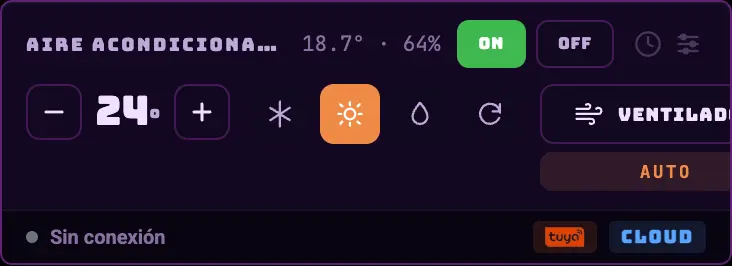
| A/C over infrared | An air conditioner set up through a Tuya IR blaster. |
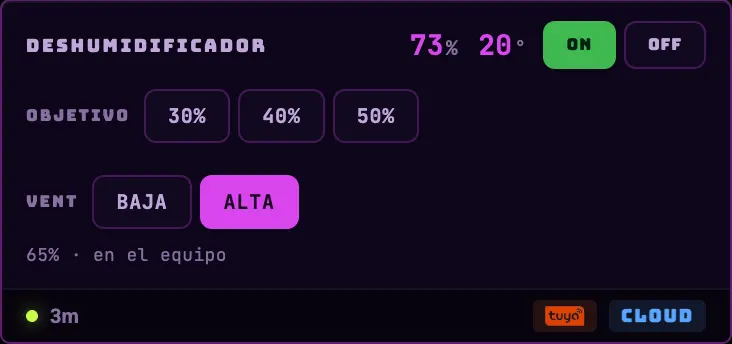
| Dehumidifier | A Tuya dehumidifier set up as one. |
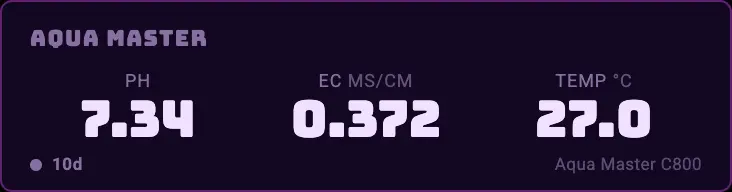
| Aqua Master | An Aqua Master C800 controller assigned to the zone. |
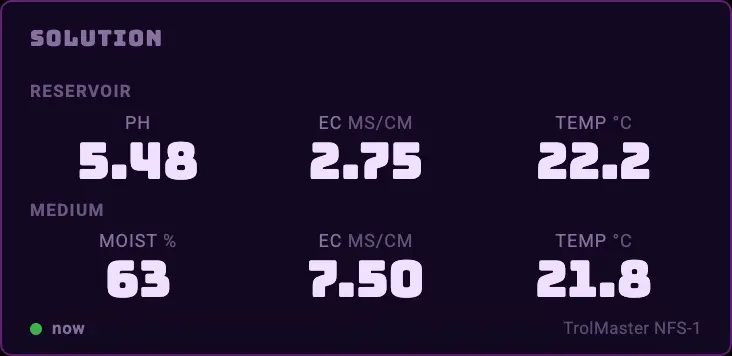
| Solution | Any device in the zone reported pH, EC, water temperature, substrate EC or substrate temperature. Soil moisture on its own is not enough to open it. |
| External controller light | The zone has a linked TrolMaster reporting lights. It's read-only. |
| Collaborator score | Only when you're looking at someone else's shared zone and the daily calculation has already run. It never appears in your own zone. |
What they look like
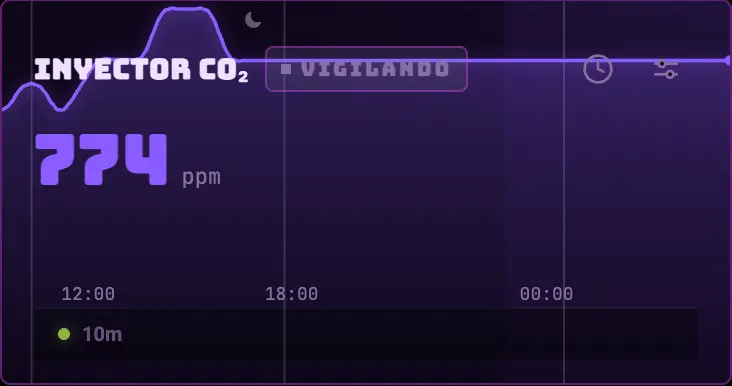
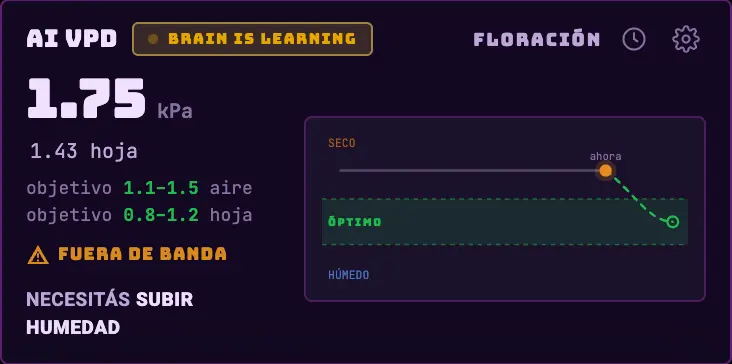
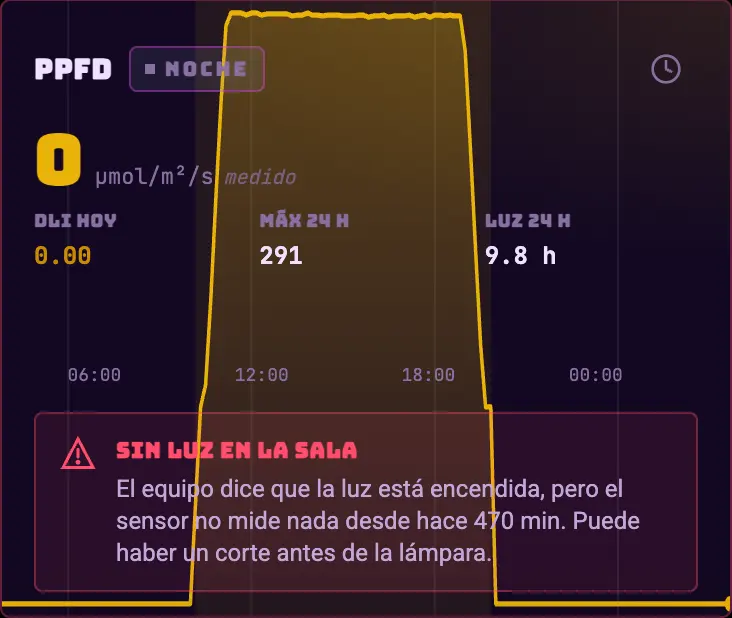
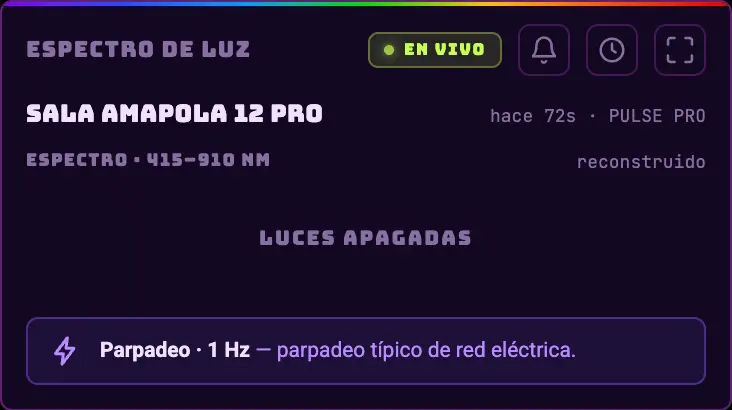
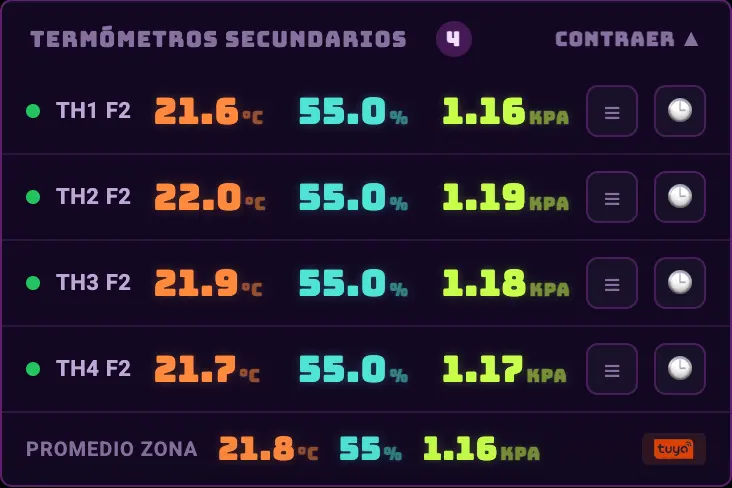
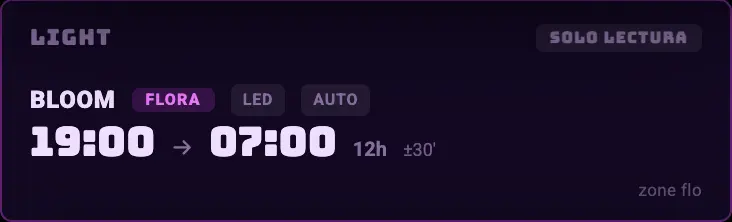
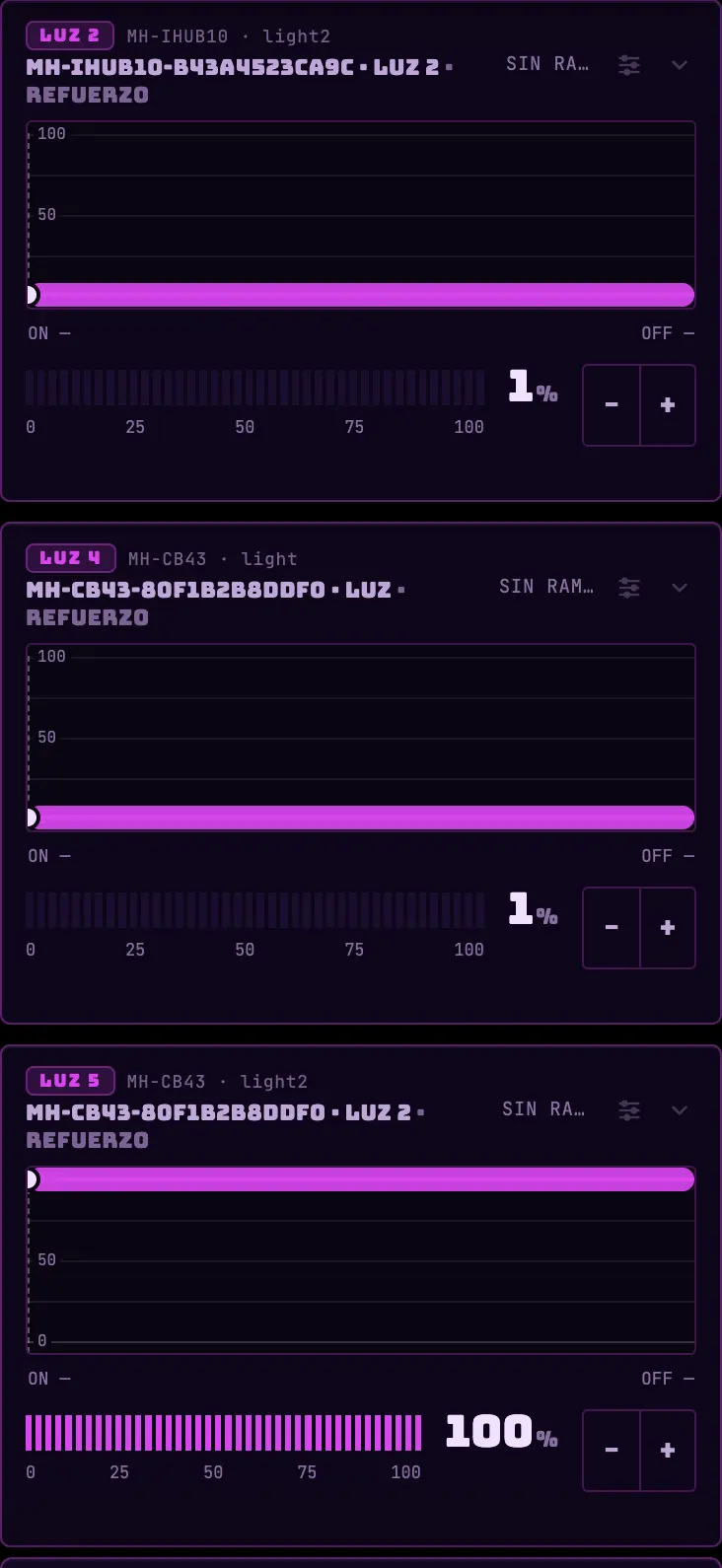
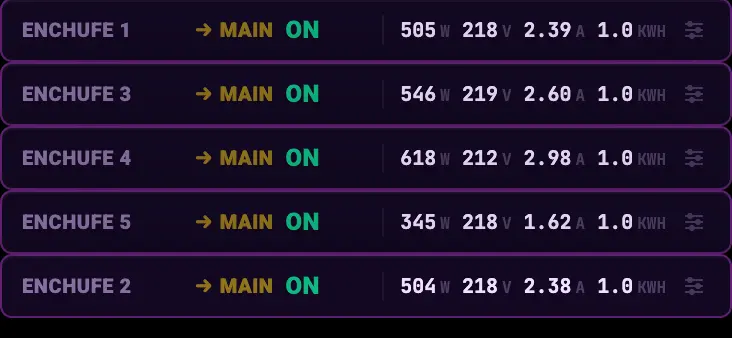
Do this
If a widget is missing, check the device's role in the devices card first. Nine times out of ten the hardware is there and the role isn't.
Avoid this
Don't make up a role just to get a card to appear. The role is what decides what the system sends to that plug.
How urgent it is
EssentialLight, environment, devices.
ImportantIrrigation and tasks.
OptionalEverything else, as you add hardware.