09 · JournalBASIC
Today's tasks and the grow journal
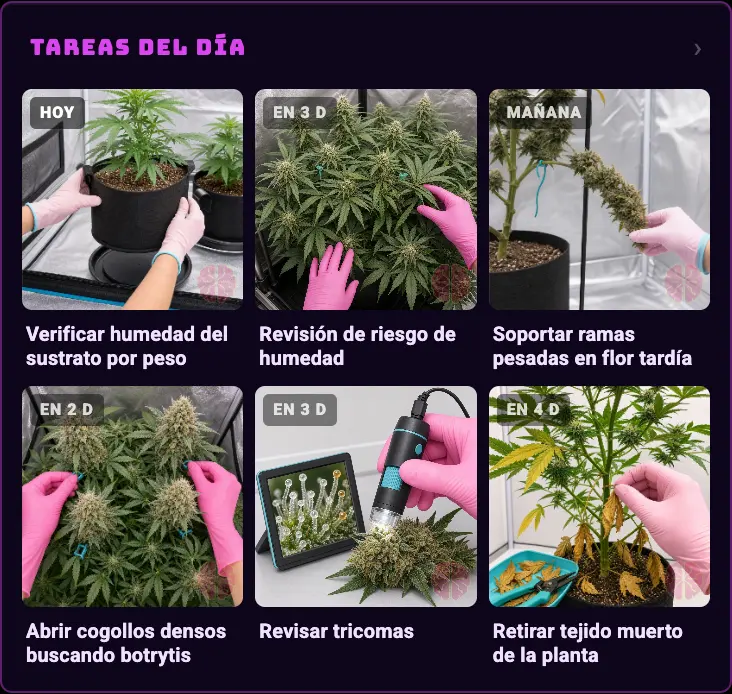
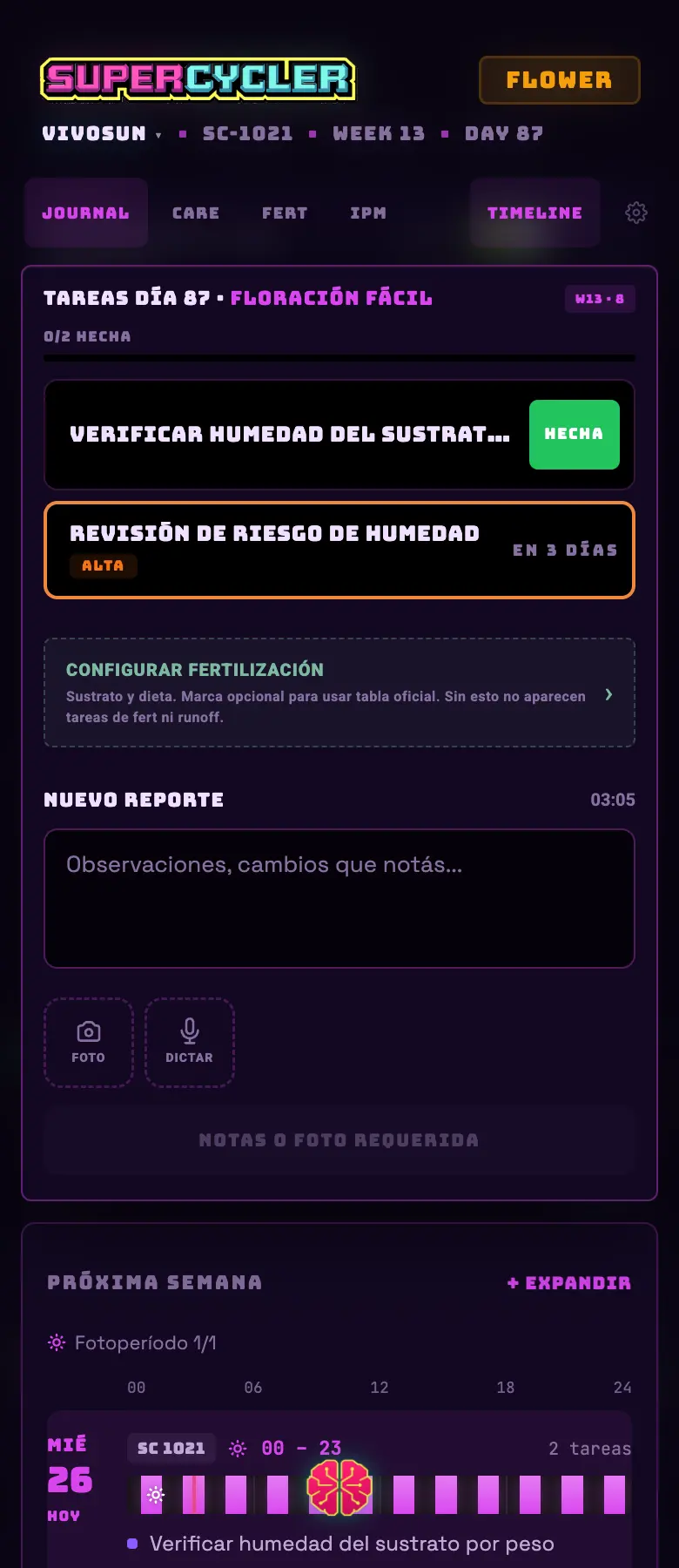
The journal is the grow's memory: what you did, when and with what. The tasks card on the dashboard is its short face — the three or four things that come up today.
- 01Pick a grow protocol (☰ → Journal → ⚙ Setup). With no protocol, the tasks card shows you a recommended one as a preview, chosen based on your photoperiod.
- 02Every day, the card lists that week's tasks with their image. Tap one to see the detail and mark it done.
- 03Write your reports in the JOURNAL tab: text and photos. That's what later feeds the closeout report and your leaderboard score.
The journal tabs
- JOURNAL
- This week's tasks, the report editor with photos, the applied protocol, a summary and recent entries.
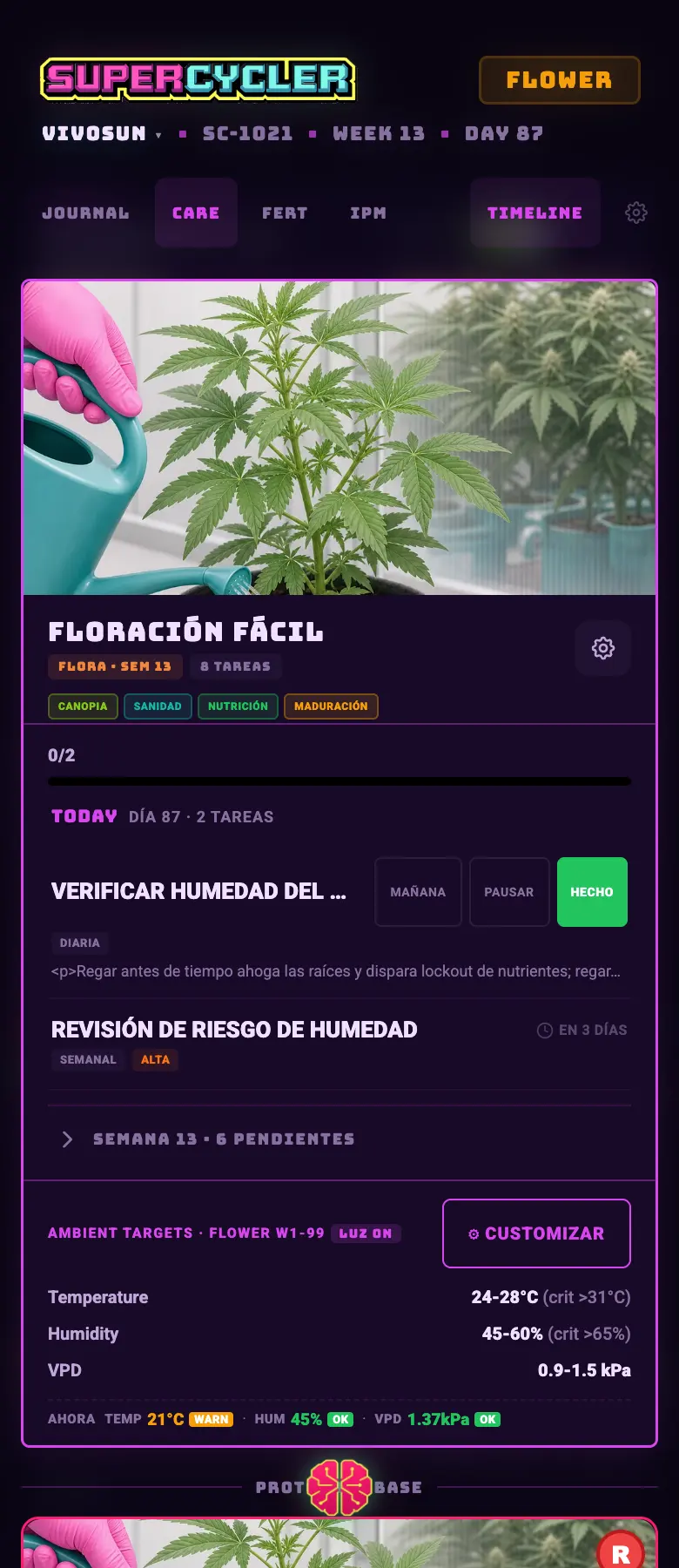
- CARE
- The full task library: complete, postpone, pause and undo.
- FERT
- Feeding plan and mix preparation.
- IPM
- A catalog of pest management products with their safety sheet, and the sticky traps with their trend.
- CHAT
- Brain, inside the journal's context.
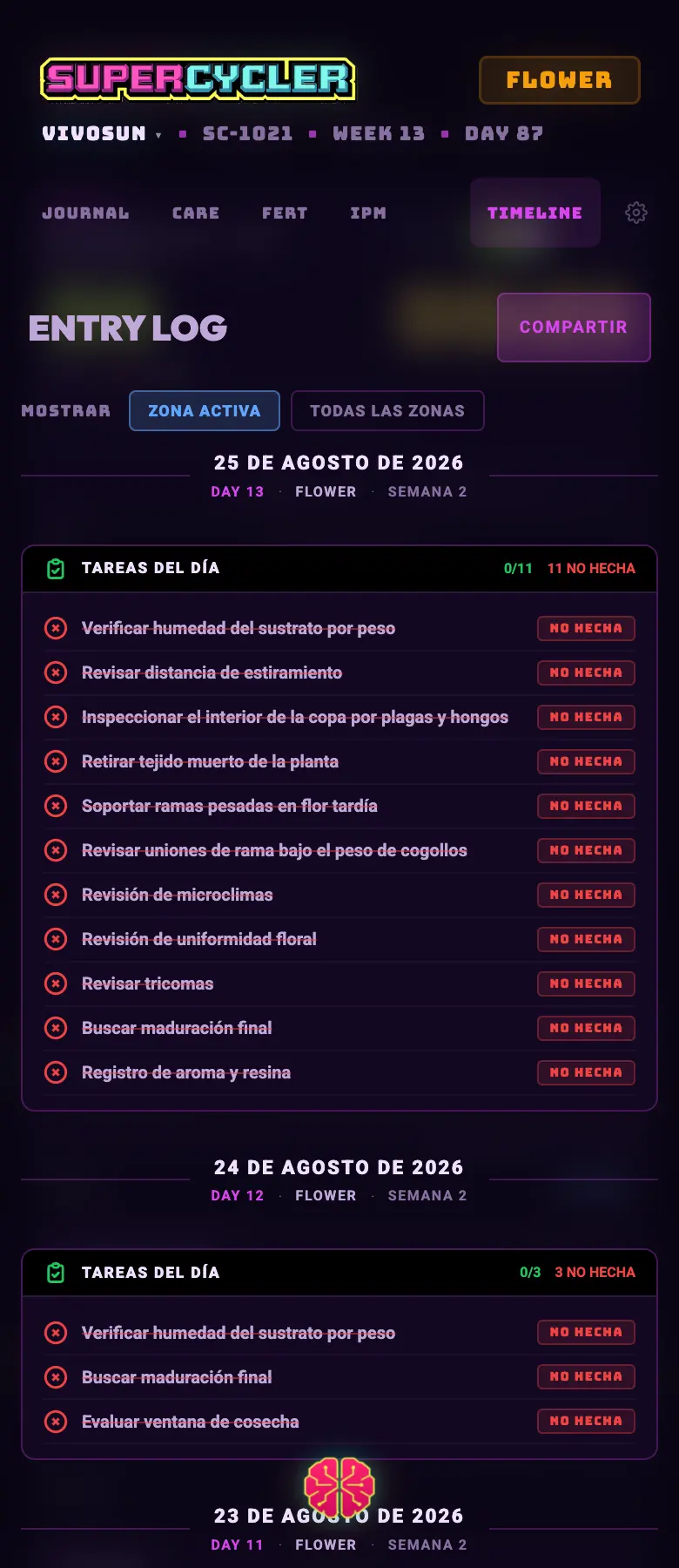
- TIMELINE
- The grow's timeline: photos, videos and notes in order.
- ⚙ Setup
- Choosing and forking protocols, and the journal settings.
Do this
Take the photo anyway, even if you don't write anything. An entry with a photo is worth double in the closeout report, and it's the only thing that later tells you when a problem started.
Avoid this
Don't mark tasks as done in a batch at the end of the week. Real punctuality (the time you actually did it against the scheduled one) is part of the score and of the analysis.
How urgent it is
EssentialA protocol chosen so that tasks exist.
ImportantOne report a week at the very least.
OptionalFeeding plan and IPM catalog loaded.