30 · SettingsBASIC
Themes, monitor, language and access
The app lets itself be rearranged quite a bit. None of this changes how the system grows, but it changes quite a lot about how you live with it.
Themes
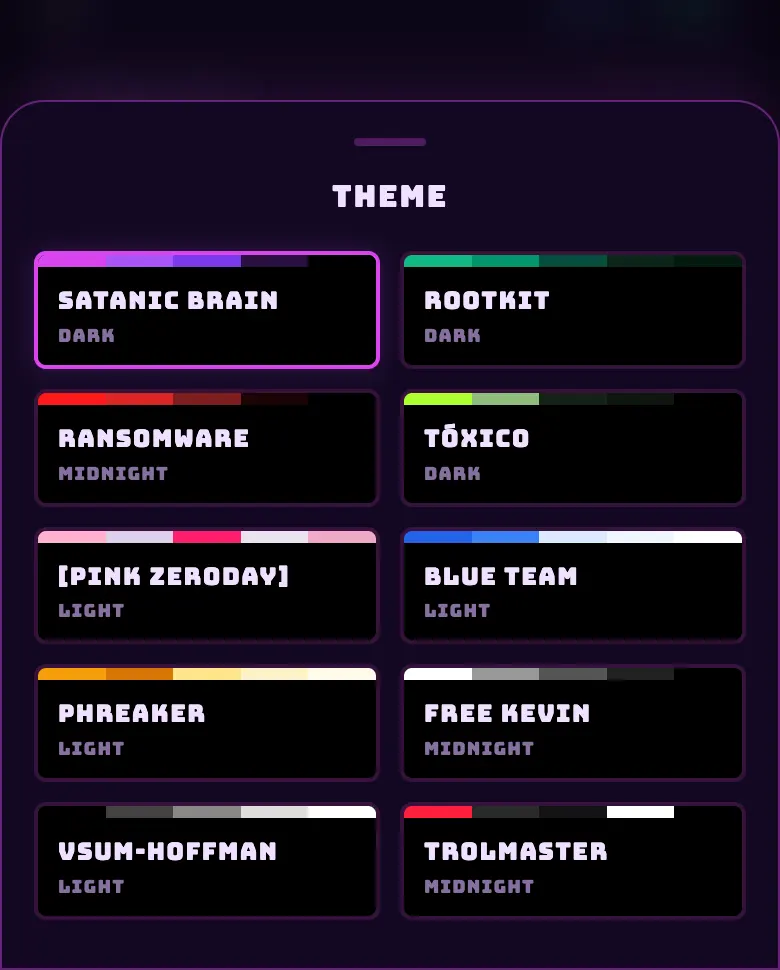
| Family | Themes |
|---|---|
| Dark | SATANIC BRAIN (the factory one) · ROOTKIT · RANSOMWARE · TÓXICO |
| Light | [PINK ZERODAY] · BLUE TEAM · PHREAKER |
| Black and white | FREE KEVIN · VSUM-HOFFMAN |
| Premium | TROLMASTER — it unlocks by owning that brand's hardware, not by paying. |
- You change it from ☰ → Settings → Theme, or by tapping the logo in the header to cycle from one to the next.
- The theme follows you into Plant Scan, Grower Arena and the rest of the screens.
- Shared zones have their own palettes instead of themes, so you can tell at a glance that you are in someone else's tent.
Monitor Mode
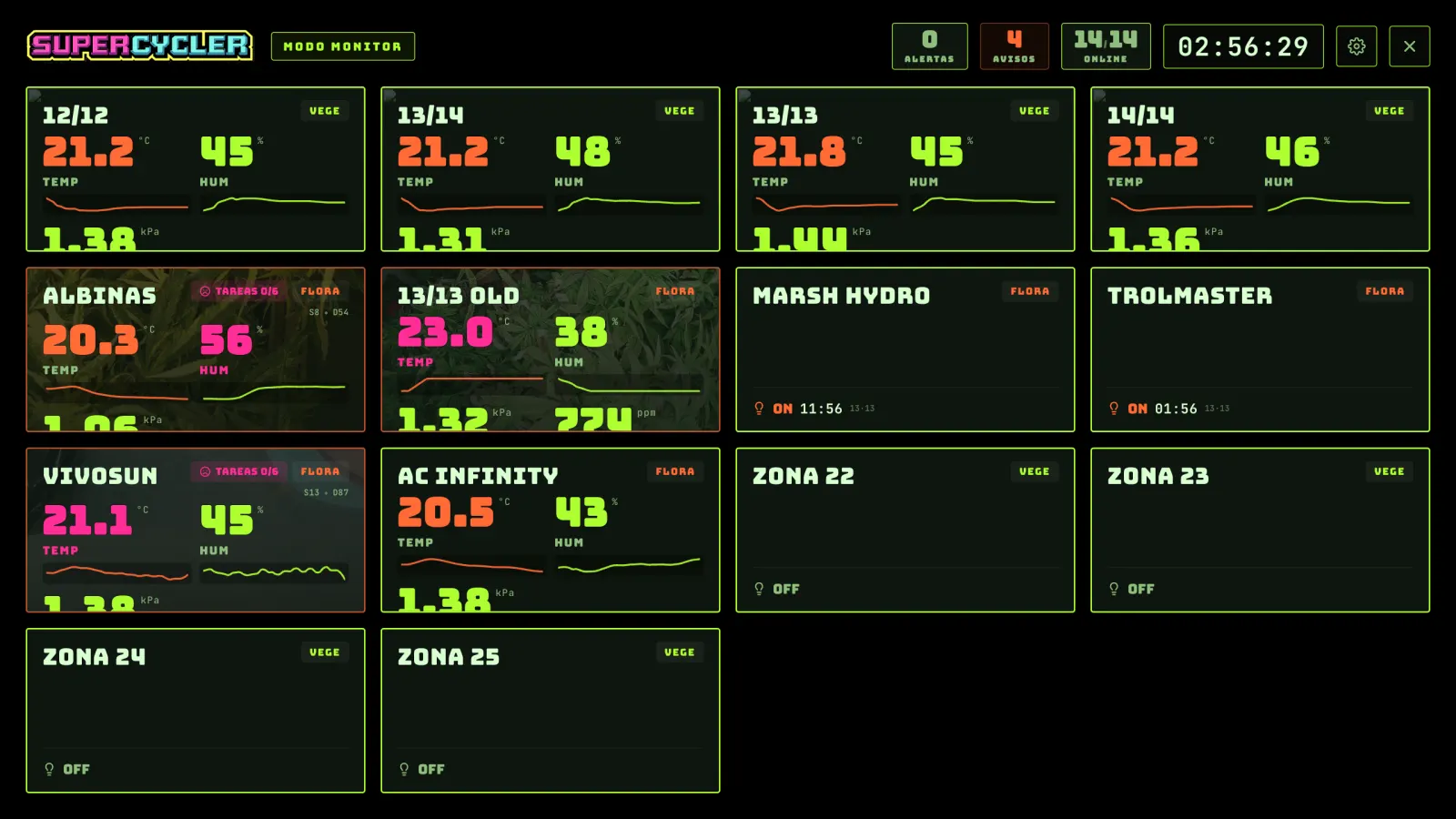
- A landscape board with one panel per zone and the vitals in large type, with a traffic light per metric.
- You get in from ☰ → Monitor Mode, or by turning the phone sideways.
- When you leave it, it goes back to where you were, not to the home screen.
Language
- Four languages: Spanish, English, Portuguese and German. You switch them from the ☰ menu itself.
- If a translation is missing, it falls back to Spanish instead of showing the technical key.
- Numbers and dates are formatted according to the language.
API keys
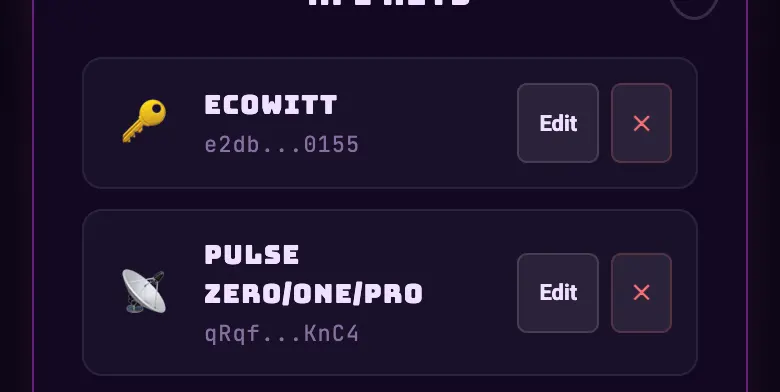
- It stores the credentials for each cloud (Tuya, eWeLink, Shelly, Bluelab, Pulse, Zigbee) with a health status: valid, suspect or invalid.
- You can test them without saving them.
- When a key dies, the app flags "you need to link again" instead of going quiet.
- You cannot delete a key that has equipment assigned to it: it tells you how many.
Ways in from outside the app
- Android widgets
- Three widgets for the home screen: one zone, the zone list and the day's tasks. They use the same session as the app, so they go dark on their own when you log out. They refresh every half hour.
- Stream Deck
- A plugin for the physical key controller: you see the environment and you act on up to four pieces of equipment per zone. It gets in with a key you can revoke whenever you want: you generate it and change it from the app.
- Telegram
- You link the account with a short code and you get alerts there.
Deleting the account
- From ☰ → Settings → Delete account. You have to type
DELETEand confirm. - If you cannot log in, there is a public page to request it: we check who you are and do it within seven days.
- Everything gets deleted and it is irreversible: profile, credentials for the clouds you connected, historical readings, journal, photos and logs.
Do this
If you are going to show the app to someone, the FREE KEVIN theme (black and white) is the one that reads best on a projector and in photos.
Avoid this
Do not delete an API key to "clean things up" when a piece of equipment stops responding. Test it first: almost always what you need to do is link again, not start from scratch.
How urgent it is
EssentialLanguage.
ImportantHealthy API keys.
OptionalTheme, monitor, widgets and Stream Deck.