02 · HardwareBASIC
Connecting your first device
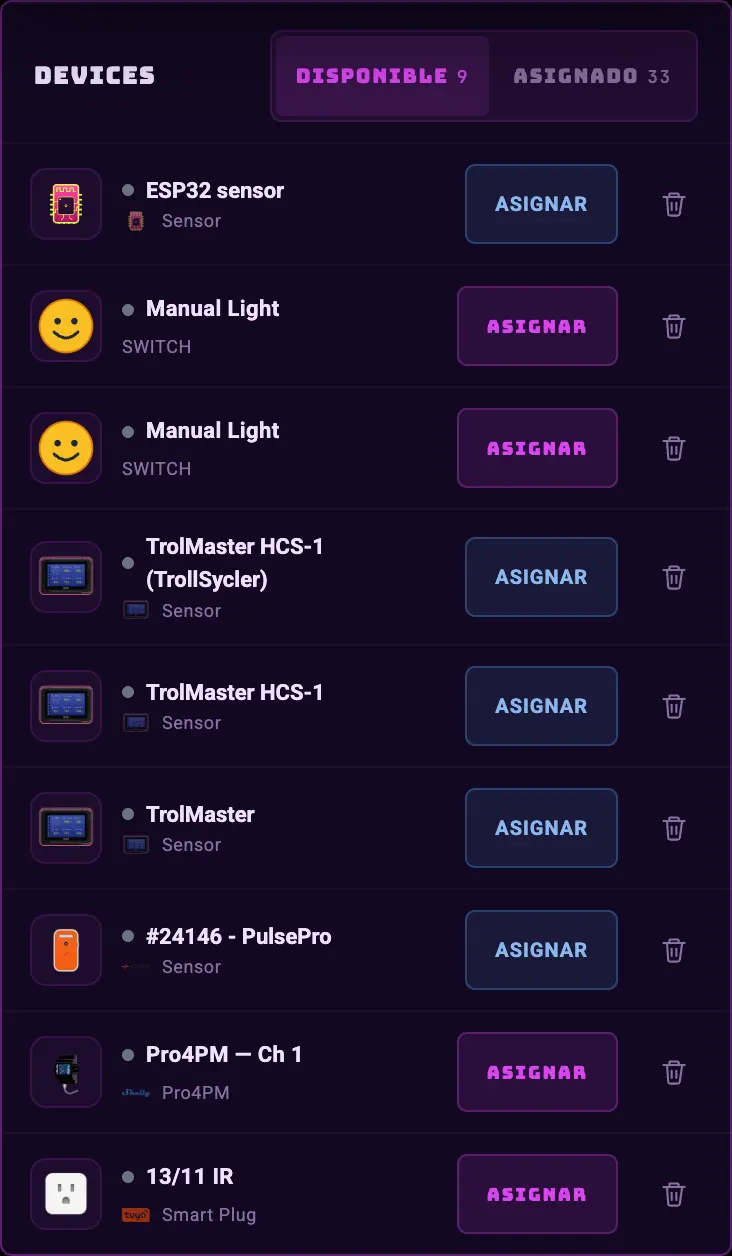
The setup wizard is the only door for adding hardware, and it opens again every time you buy something new, from ☰ → Add device. Each brand comes in its own way, but they all end the same: the device lands in your list and you assign it to a zone.
- 01☰ menu → Add device.
- 02Pick the brand. The cloud ones (Tuya/SmartLife, Sonoff/eWeLink, Shelly) ask you to sign in once with that app's account: the app stays linked and from there you see all your devices.
- 03Pick which devices you want to bring in. The ones you leave out stay in the manufacturer's cloud and don't get in the way.
- 04Assign them to a zone and tell the app what each one is: light, exhaust fan, pump, sensor. That role is what gives you the widgets and lets the app run the equipment on its own.
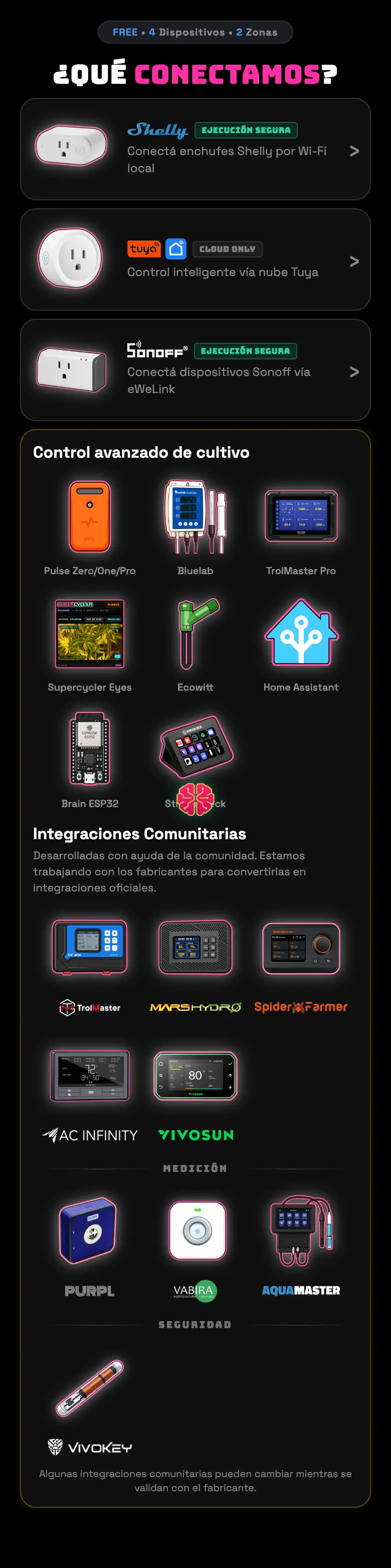
What each integration can do
| Integration | Read | Act | Notes |
|---|---|---|---|
| Tuya / SmartLife | Yes | Yes | The most complete one. Plugs, sensors, IR blaster, dehumidifiers. Set up by QR or by login. |
| Sonoff / eWeLink | Yes | Yes | Includes timers on the plug itself and the TH sensors. Multichannel (Dual R3). |
| Shelly | Yes | Yes | Works through the cloud and also directly by IP. It has its own hardware timer. |
| Mars Hydro / Spider Farmer | Yes | Yes | Dimmable lights: the app handles the brightness percentage and the ramp. |
| VIVOSUN | Yes | Yes | GrowHub light and fans. |
| AC Infinity | Yes | Yes | Only the Controller 89 ("AI+") and its outlets. |
| TrolMaster | Yes | Partial | It comes in through a bridge of its own. The controller's light schedule is visible but you can't touch it from here. |
| Home Assistant | Yes | No | Brings the sensors you already have in HA into the dashboard. It doesn't turn anything on or off, and that's on purpose: we don't want to promise you a watering we can't deliver. |
| Ecowitt | Yes | No | Brings in your sensors, soil probes included. |
| Bluelab | Yes | No | pH, EC and water temperature. With that the app stops watering when the water is out of range. |
| Pulse | Yes | No | Temperature, humidity, VPD, CO₂, light and spectrum (Pulse Pro). |
| DIY / ESP32 | Yes | No | Build your own board: how to talk to it over MQTT is written up here. You don't depend on anyone's cloud, and it is read-only. |
| Eyes (phone) | Yes | — | Turn an old Android into a grow camera, paired by QR. |
Do this
Give your devices an alias as soon as you assign them ("Tent 1 exhaust fan", not "Smart Plug 3"). The alias is what shows up later in the alerts, in the chat and in the journal.
Avoid this
Don't set up the same plug in two zones. A device belongs to one zone; duplicating it makes two automations fight over the same relay.
How urgent it is
EssentialThe main light and an ambient sensor, assigned and with their role.
ImportantExhaust fan and fan with the right role.
OptionalCamera, soil probes, water meters.