10 · ProtocolINTERMEDIATE
Protocols: the plan the app follows for you
A protocol is the grow's recipe: which tasks come up each week, with which environment targets per stage. With no protocol chosen, the tasks card shows a suggestion and nothing gets scheduled for you. When you pick one, the app builds the schedule on its own and the journal starts to make sense.
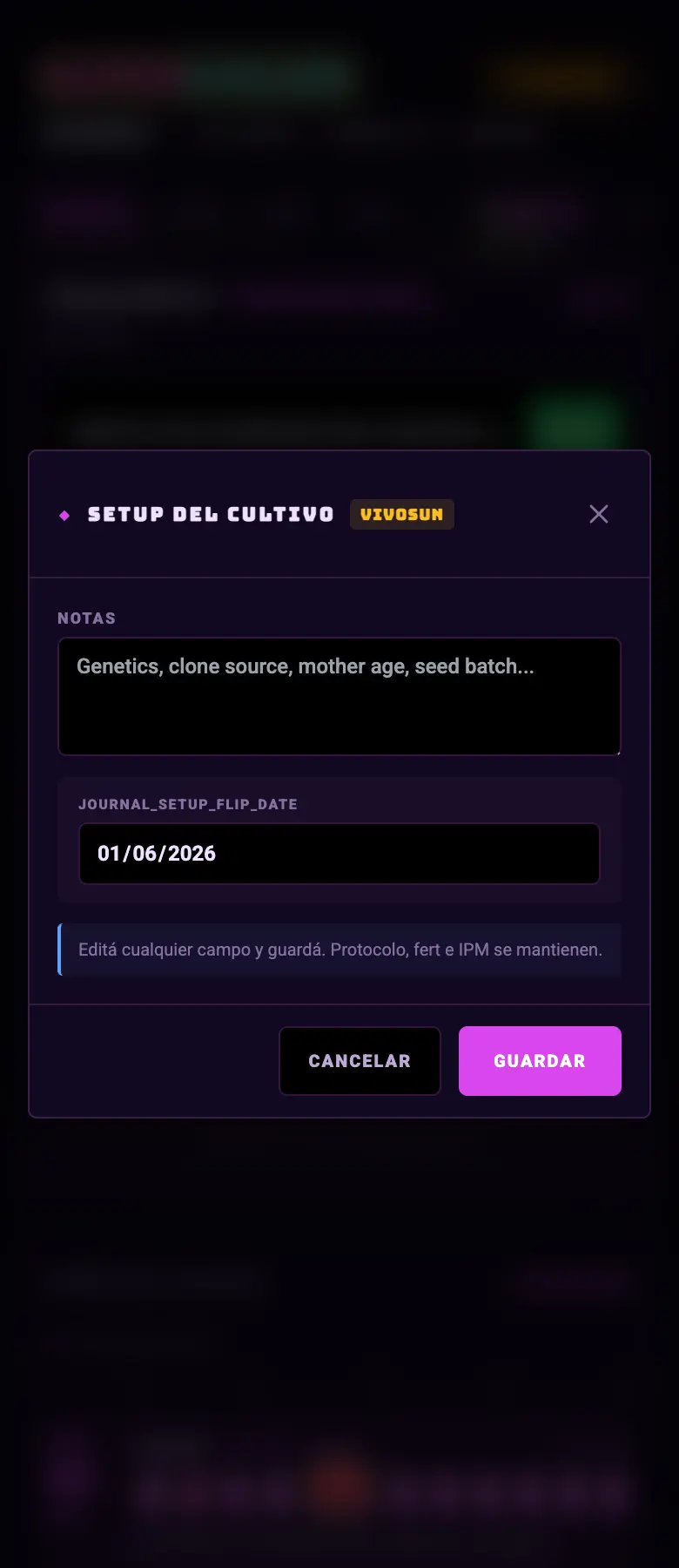
- 01Journal → the Setup gear, or the Choose a protocol button on the tasks card.
- 02Pick one from the list. Each one says what it's meant for and how many tasks it brings.
- 03It loads into the zone you have open. This week's tasks show up on the dashboard right away.
- 04If you want to change something, fork it: you keep a copy of your own and the original stays untouched.
Do this
Pick a protocol even if it's the simplest one. It's what turns the journal into a schedule.
Avoid this
Don't edit the system protocol. Fork it first: otherwise you lose the original.
How urgent it is
EssentialA protocol chosen so that tasks exist.
ImportantThe environment targets reviewed after applying it.
OptionalYour own fork with your adjustments.