17 · DiagnosisBASIC
Plant Scan and sticky traps
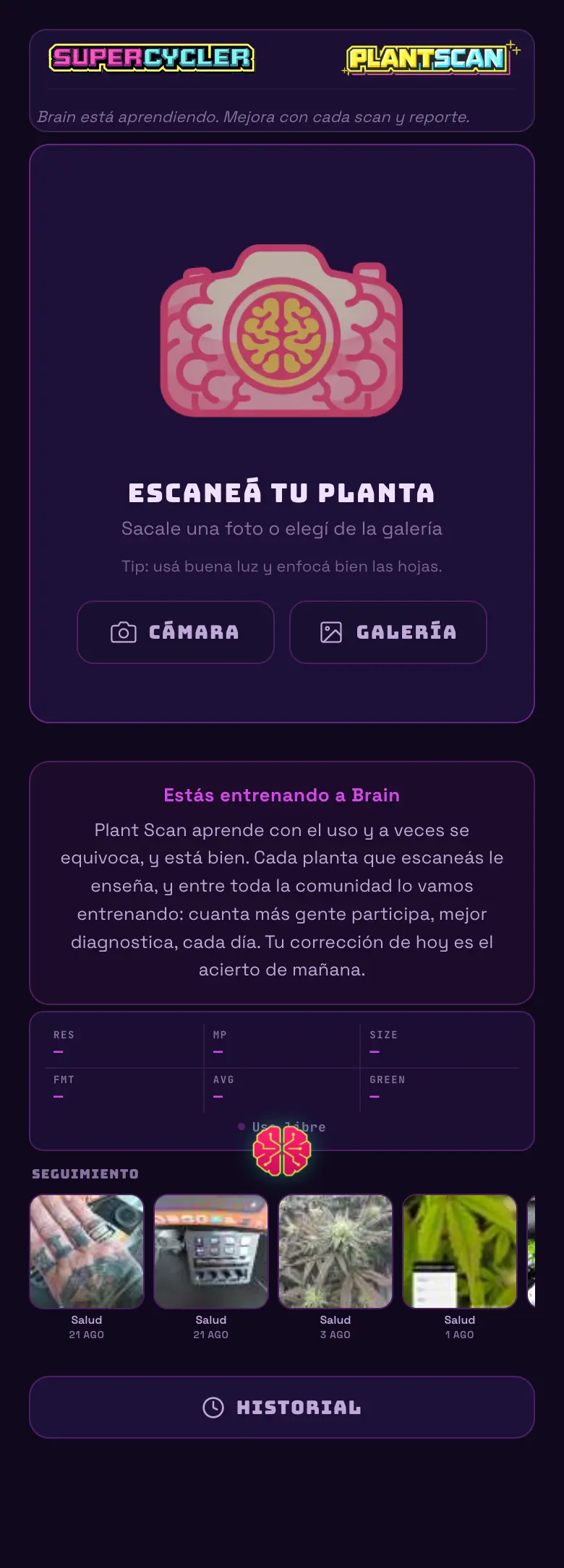
Take a photo and ask what's wrong with the plant. It's the quick diagnosis tool, and the only one in the app that works well without a single device connected.
The modes
| Mode | What it does | Status |
|---|---|---|
| Look for diseases / deficiencies | It analyzes the leaf and tells you what it's seeing, with the reasoning. | Available |
| Analyze sticky trap | It counts the bugs on the yellow or blue trap and gives you severity and trend. | Available |
| Harvest | Trichome maturity. | Coming soon |
| Sex | Preflower identification. | Coming soon |
The trap card
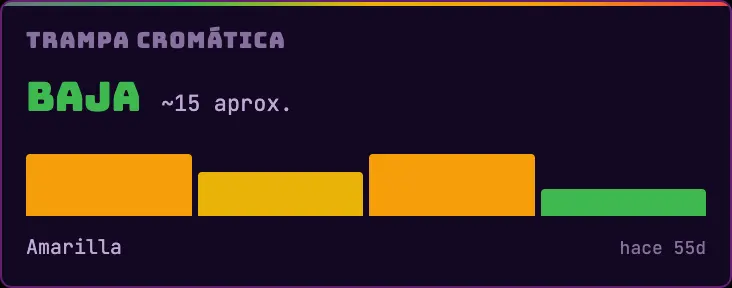
- It shows up as soon as you scan a trap for the first time. There's no hardware to set up.
- It shows severity, the approximate count, a trend across the last scans and the trap color you scanned.
- It always compares against the previous scan of the same color, so don't mix the yellow one with the blue one in the same series.
- If severity escalates, an alert goes out.
Do this
Scan the trap on the same day of the week and under the same light every time. The trend is worth far more than a number on its own.
Avoid this
Don't move the trap between scans. You're measuring the population at one spot, not in the whole room.
How urgent it is
EssentialNothing.
ImportantTrap scanned once a week in flowering.
OptionalLeaf scan at the first doubt.