20 · My LabINTERMEDIATE
My Lab: the zone's complete record
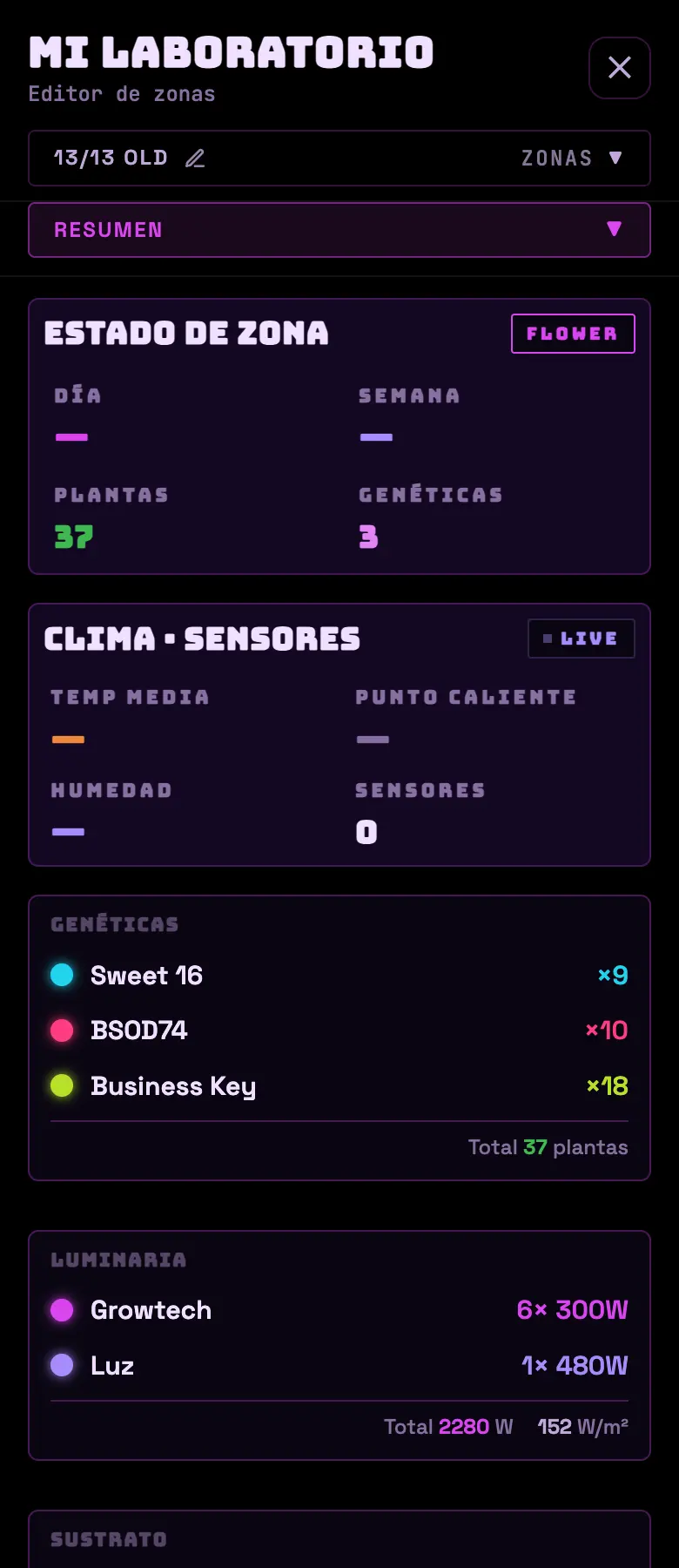
Everything the dashboard doesn't show because it doesn't change every day: the tent's dimensions, the substrate, the genetics, the fixtures, the physical layout and the team. It opens from ☰ → My Lab.
The tabs
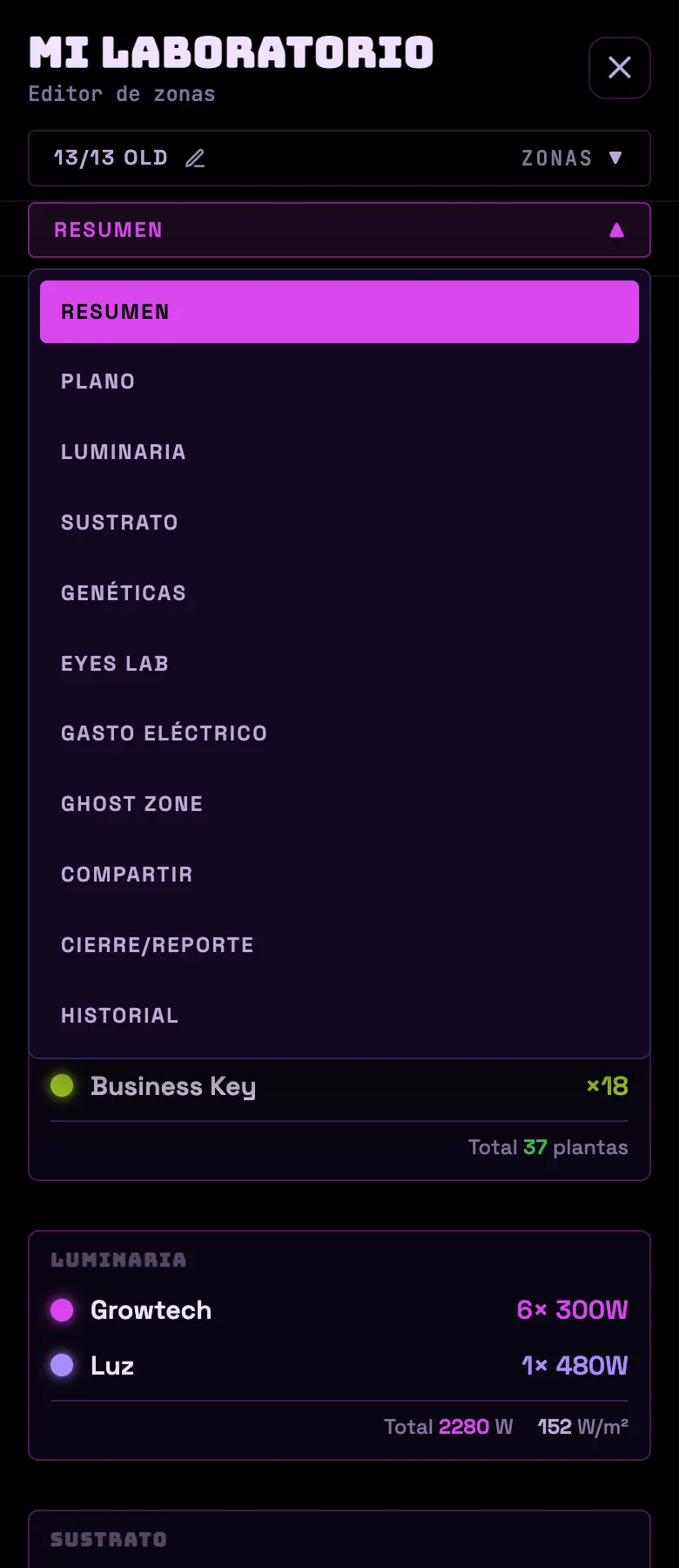
- Overview
- Day, week, plants, genetics. Climate with average temperature, hot spot and humidity. Container, mix, target EC/pH, mini layout with area and volume, and free-form notes for the zone.
- Layout
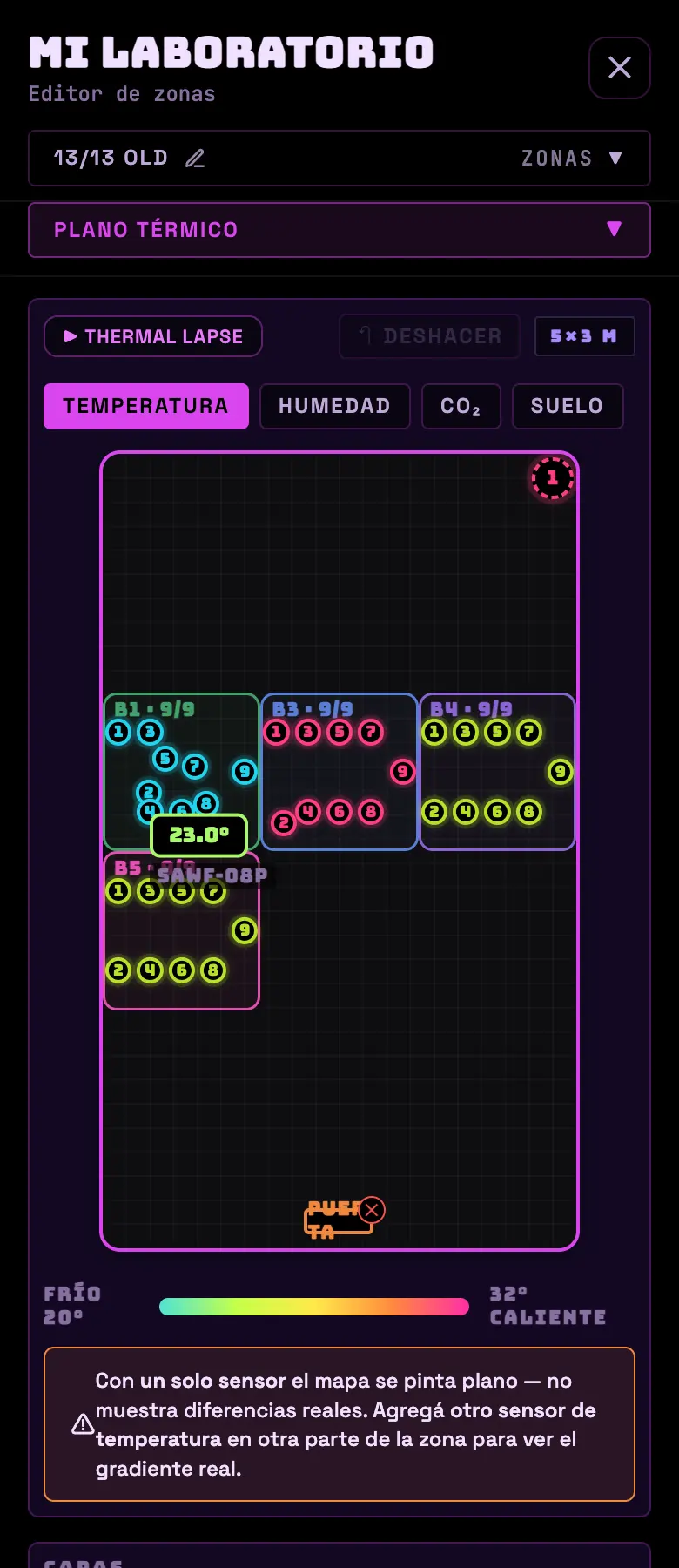
- The physical map of the tent, draggable. Layers for heat map, equipment heat, thermometers, fixtures, plants, trays and doors. Four maps: thermal, humidity, CO₂ and soil.
- Lighting
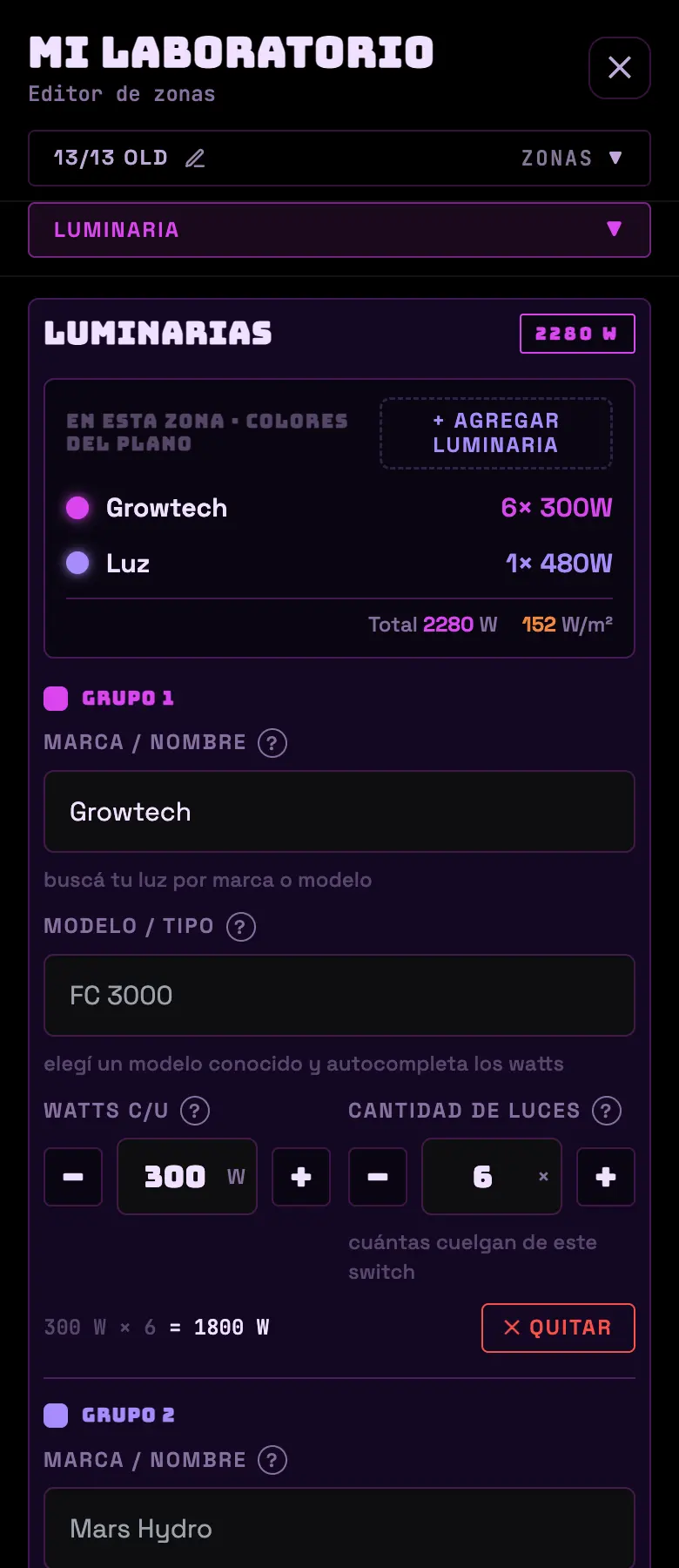
- Where you enter your lights: brand, model, watts and quantity. You can import them from your plugs, or measure the real watts if the device has a meter. It calculates efficiency, power density and coverage in m².
- Substrate
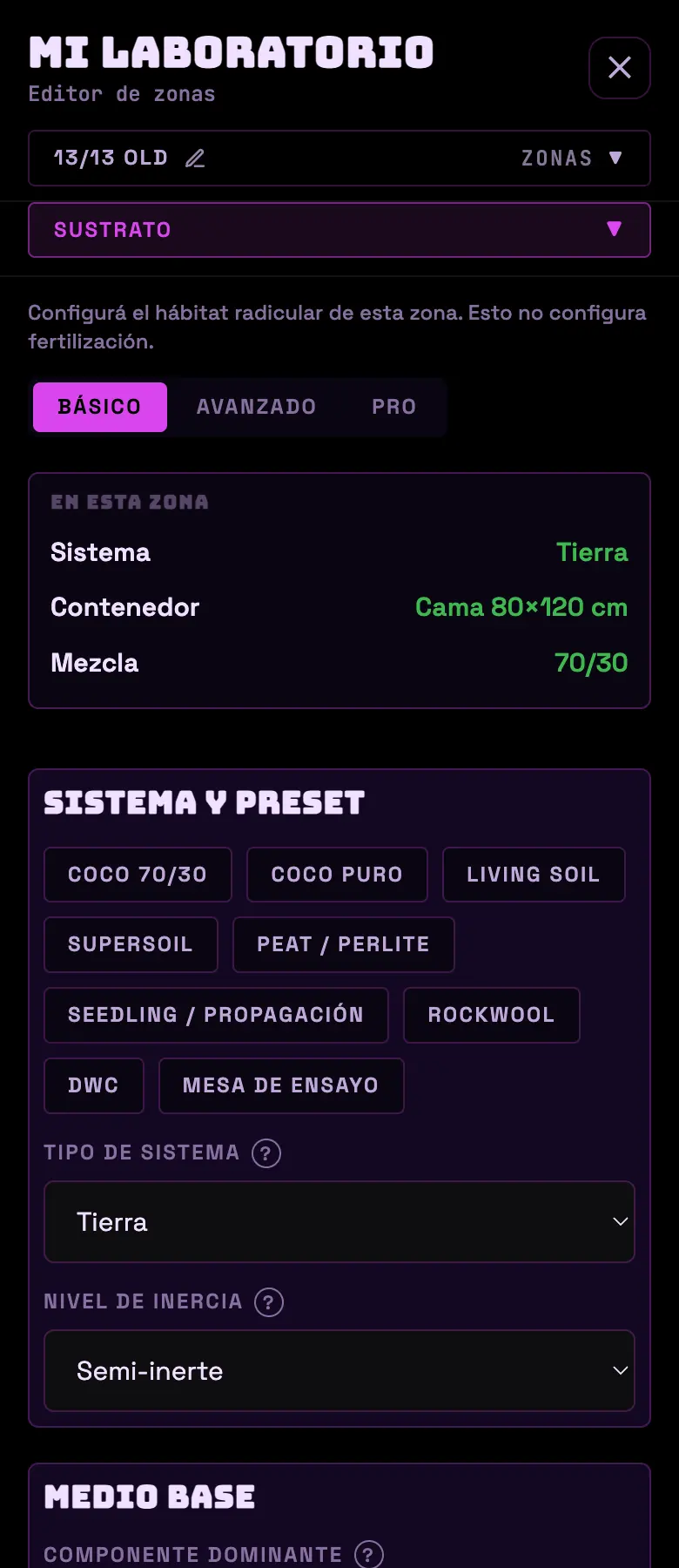
- Where the roots live: system, container or bed with dimensions, mix, amendments, condition and reuse, and target EC/pH. It has a basic and an advanced mode.
- Genetics
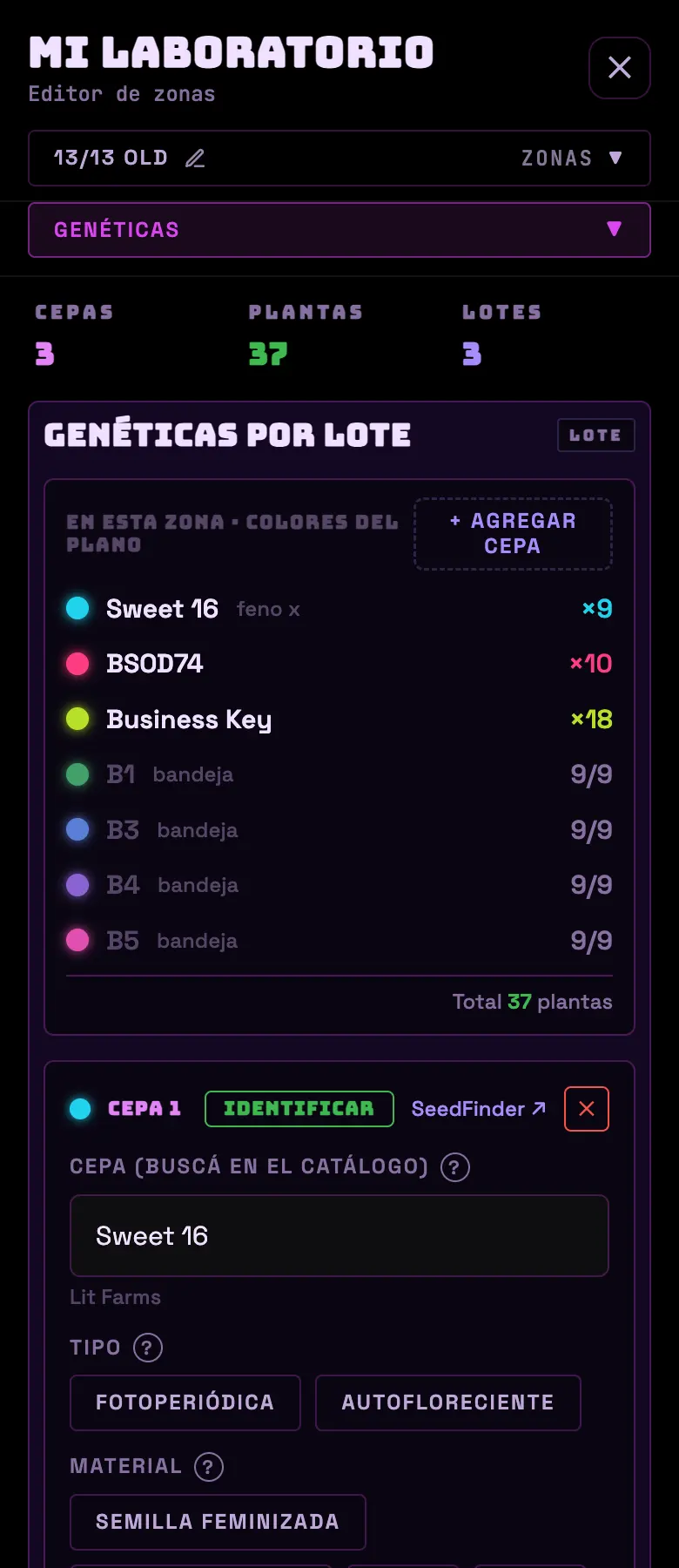
- The strains in the grow, with a search against a catalog of tens of thousands of varieties. Per batch: type, material, number of plants, phenotype and notes. Each strain has its own color on the layout.
- Eyes Lab
- This zone's camera; if you don't have one yet, you link it here.
- Power Cost
- Consumption and cost. See Electricity cost.
- Share
- The team and the permissions. See Sharing the zone.
- History and Closeout
- Previous cycles and the closeout wizard.
- Ghost Zone
- Hide a zone behind an NFC chip. It only works in the Android app.
Do this
Enter the tent's real dimensions and your lights' wall watts. That's where the W/m², the coverage, the plant density and the closeout's g/W come from.
Avoid this
Don't enter the "equivalent" watts from the box. The product manual lies almost every time; use the wall draw or measure it with the plug itself.
How urgent it is
EssentialThe zone's dimensions.
ImportantFixtures with real watts and genetics entered.
OptionalLayout built and substrate in advanced mode.