01 · StartBASIC
First run
Creating the account, logging in, and deciding where to start. The app doesn't force you to have hardware on day one: you can walk through all of it in trial mode and connect the plug later.
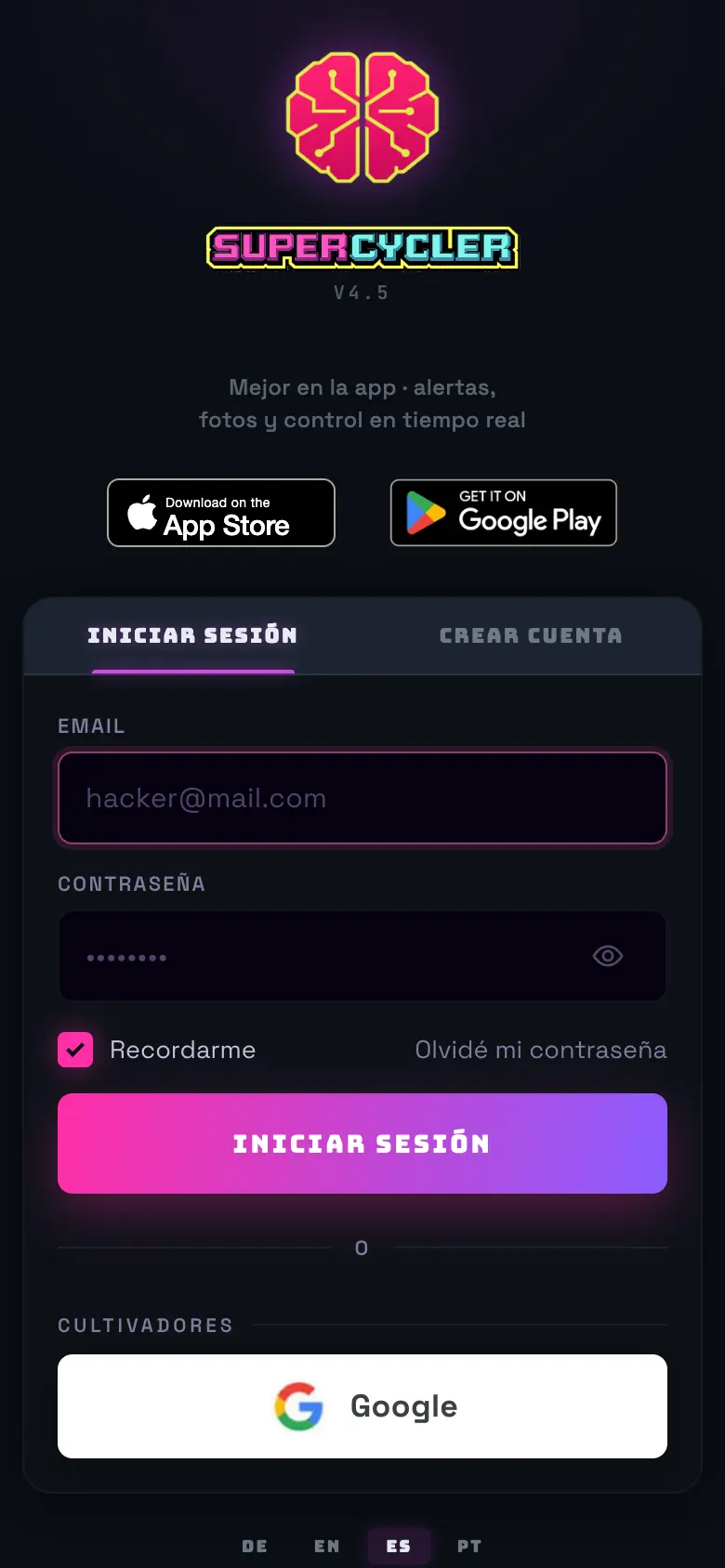
- 01Go into the app and create the account with email and password, or with Google. If it asks you for an invite code, it's because signups are closed at that moment.
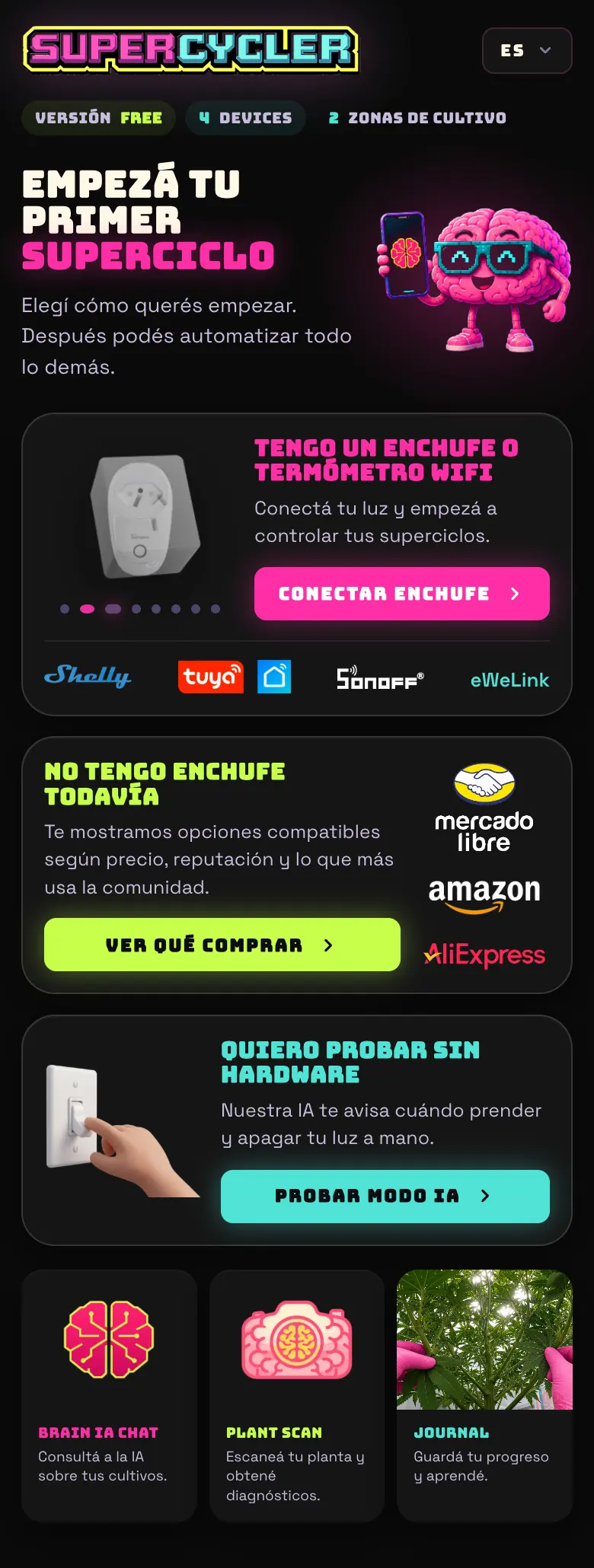
- 02The welcome screen offers you three paths: I have a wifi plug or thermometer (goes to the setup wizard), I don't have hardware yet (goes to the buying guide), and I want to try it without hardware (drops you on the dashboard with demo data).
- 03Pick the language from the ☰ menu if you don't want Spanish: there's Spanish, English, Portuguese, and German, and it changes the whole app, not just the titles.
- 04When you connect your first device, the app creates your first zone on its own and drops you on the dashboard.
Do this
Put a nickname in your profile. Brain calls you by it, and the chat's answers change tone quite a bit when it knows who it's talking to.
Avoid this
Don't create one account per tent. One account holds all your zones; separate accounts leave your electricity spend and your ranking split, and there's no way to merge them later.
How urgent it is
EssentialAccount created and email confirmed.
ImportantLanguage and nickname chosen.
OptionalAvatar and theme.