12 · Home AssistantADVANCED
Home Assistant
Brings everything you already have set up in Home Assistant to the Dashboard. It's read-only: the sensors and states come in, but Supercycler does not control HA equipment. It's that way on purpose — we don't want to promise you watering we can't guarantee.
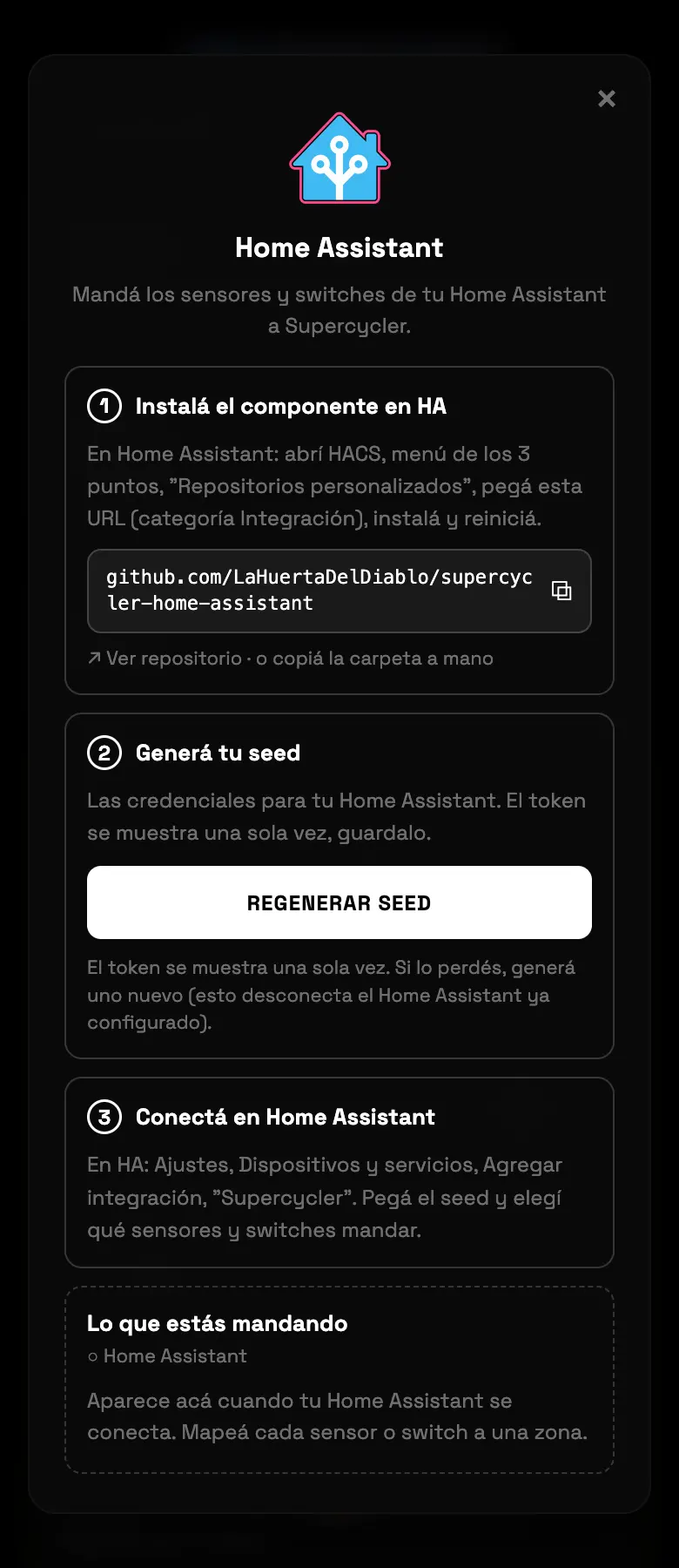
- 01In Home Assistant open HACS → Custom repositories, paste the address the screen gives you, category Integration, install and restart.
- 02Go back to Supercycler and tap the button that generates the configuration. It gives you a string.
- 03In HA: Settings → Devices & services → Add integration → Supercycler, and paste that string.
- 04The entities start showing up. Assign each one to its zone, or combine it with equipment you already have.
Do this
Use it to bring in sensors you already have running, without buying new hardware.
Avoid this
Don't build your irrigation on an HA switch: the command won't go out.
How urgent it is
EssentialNone of this is essential.
ImportantSensors mapped to the right zone.
OptionalCombining entities with existing equipment.