03 · Zone and roleBASIC
Zone and role: how every setup ends
It doesn't matter which brand you came in through: the last two steps are always the same. First you say which tent the device is in, then what it does there. The role is what turns a plug into a light or into a pump.
- 01If you only have one zone, the app assigns it itself and doesn't even ask.
- 02With two or more zones it asks you which one, with the one you already had open checked.
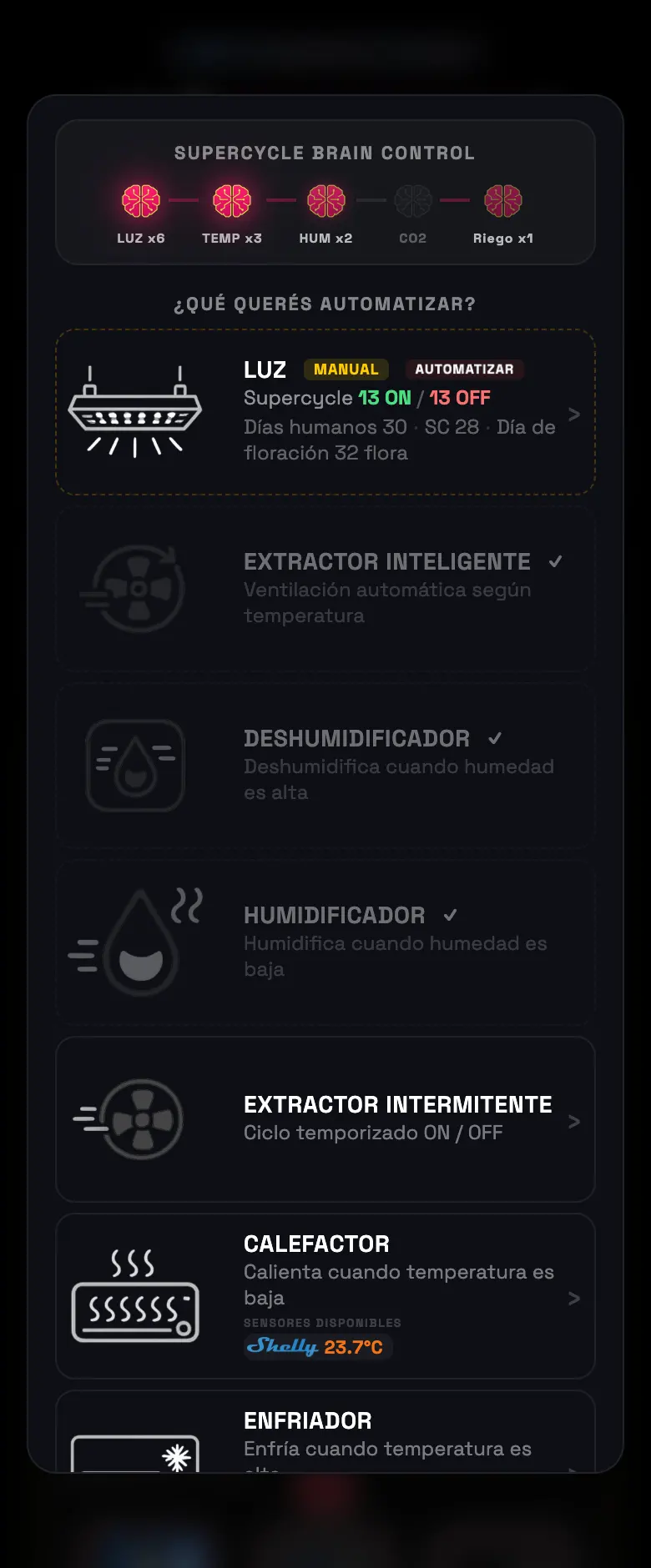
- 03Then the role menu comes up. Pick the one that applies: light, exhaust fan, intake fan, fan, humidifier, dehumidifier, heater, cooling, CO₂ injector or pump.
- 04If you pick light, you enter the schedule right there. If you pick pump, the irrigation circuit builder opens.
Two cases that skip the menu
- The Sonoff SWV valve assigns itself as a valve: the role menu has no valve among the options, so the app sets it itself and sends you straight to the Dashboard.
- Spider Farmer outputs don't ask either: the firmware already says which one is a light and which one is an exhaust fan, and the app takes it from there.
Do this
Give it a name you'll recognize. "Small tent exhaust fan" makes sense six months from now; "WIFI Smart Plug 3" doesn't.
Avoid this
Don't leave a device without a role planning to set it later. With no role it doesn't go into any automation: it stays a loose button you flip by hand.
How urgent it is
EssentialRight zone and right role.
ImportantAn understandable name.
OptionalReordering the Dashboard cards.