05 · TuyaBASIC
Tuya / Smart Life
The widest catalog of them all: plugs, sensors, LED strips, valves, dehumidifiers and even the air conditioner over infrared. Tuya and Smart Life are the same cloud under two names — either app works. Everything goes over the internet: if the Tuya cloud goes down, there's no local plan B.
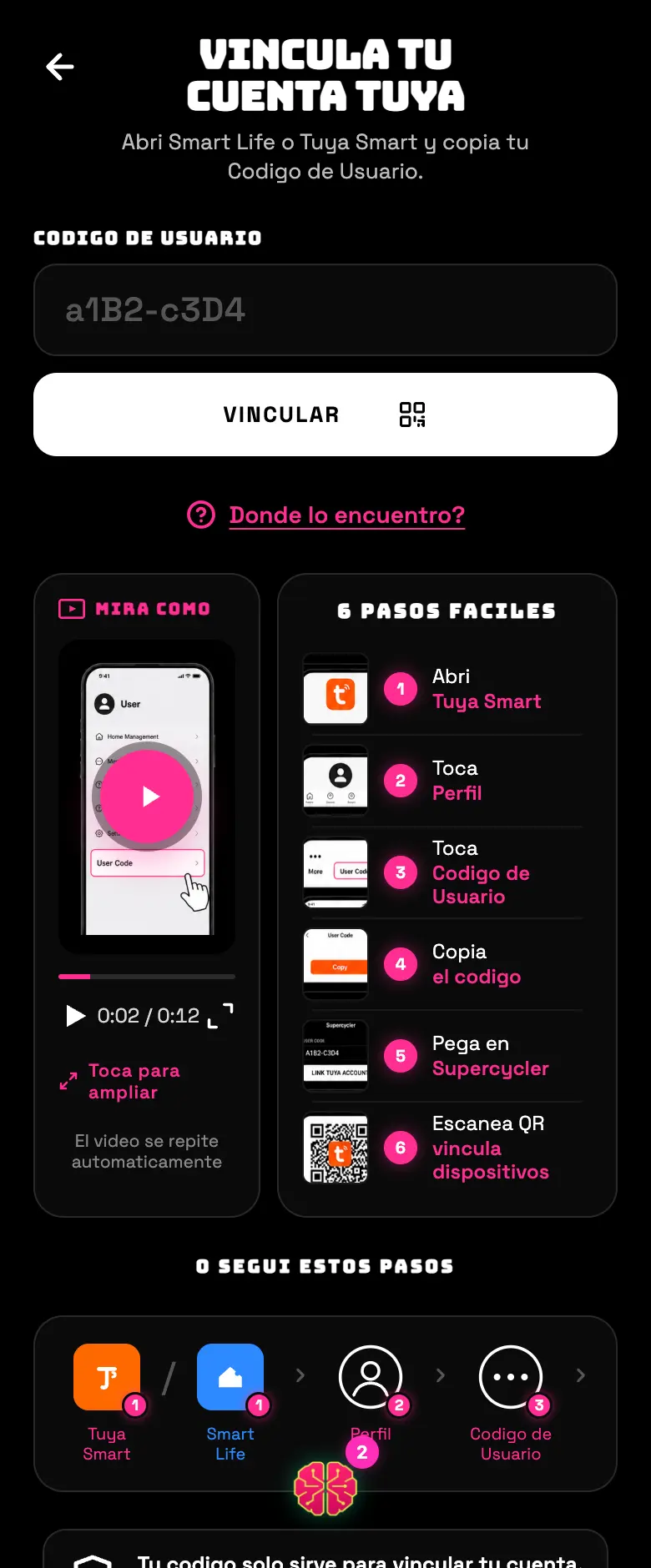
- 01Open the Tuya Smart or Smart Life app on your phone and go to Me.
- 02Copy your User Code — it's a short string like
a1B2-c3D4. - 03In Supercycler pick Tuya, paste that code and tap LINK.
- 04A QR code appears. Go back to the Tuya app, tap the + at the top right, pick Scan and point it at the QR on the screen.
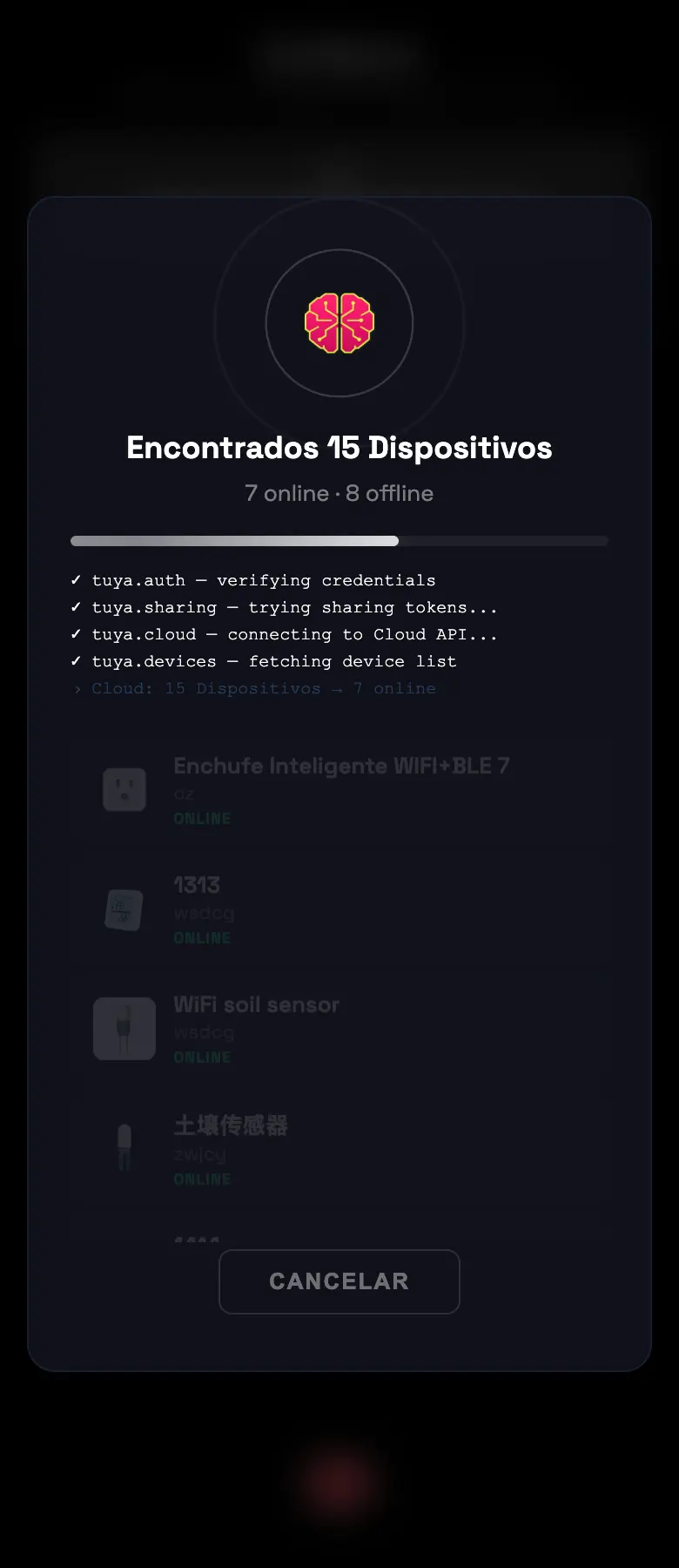
- 05Accept the authorization on your phone. In a few seconds the list of your devices shows up on its own in Supercycler.
- 06Tap ASSIGN on the one you want, pick zone and role.
Common errors
| What you see | What happened | What to do |
|---|---|---|
| “Your Tuya session expired” | The authorization expired | Link again starting from the code step |
| “Your Tuya account has no home created” | The Tuya app requires you to create a "home" before you can have devices | Create the home in the Tuya app and try again |
| “We couldn't find any equipment” | The account is empty or everything is offline | Check in the Tuya app that they show as online |
| The QR never goes through | You scanned but didn't accept the authorization | Scan again and accept the prompt that comes up on your phone |
| It turns on and off by itself at odd hours | It has a schedule loaded in the Tuya app | Delete it from the Tuya app, in that device's settings |
Do this
Save your user code: if you ever have to link again, it'll ask you for it again.
Avoid this
Don't leave schedules loaded in the Tuya app. They'll fight with the Supercycler schedule and the device will do things you didn't ask for.
How urgent it is
EssentialAccount linked and equipment listed.
ImportantOld schedules deleted from the Tuya app.
OptionalThe air conditioner over infrared.