15 · TrolMasterADVANCED
TrolMaster Hydro-X
HCS-1, Hydro-X Plus, NFS-1, Aqua-X Plus and TCS-1. TrolMaster's official access is only for the Pro line and it's read-only, so this goes another way: you share the controller with an account of ours, the same way you'd share it with a partner.
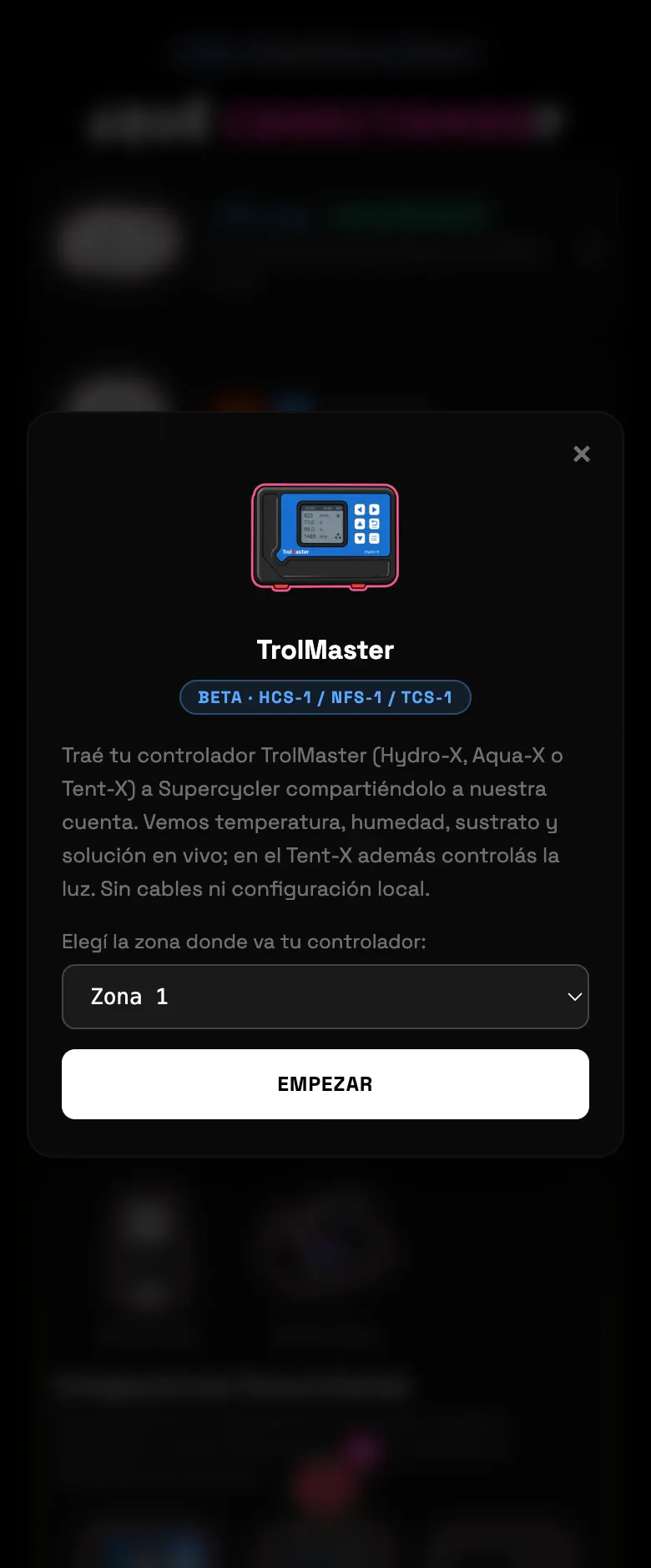
- 01Pick TrolMaster in the community block and pick the zone.
- 02Open the TrolMaster app and share the controller with trolmaster@supercycler.app, with the Editor role. The screen includes both screenshots of where to tap.
- 03Go back to Supercycler: it hooks up on its own in a few seconds. If it doesn't, paste the controller's full serial number.
- 04Once it's linked it shows you the room and the temperature and humidity reading.
Common errors
| What you see | What happened | What to do |
|---|---|---|
| "We don't see it yet" | The share hasn't come through yet | Wait a few seconds and retry, or use the serial |
| "You have several controllers with that email" | You shared more than one | Tell it apart with the serial number |
| "Already linked" | It's on another Supercycler account | Remove it from the old account first |
| "That serial doesn't look valid" | It's incomplete | Copy the whole number, no spaces |
Do this
Share with the Editor role. Read permission isn't enough to adopt the light.
Avoid this
Don't use the "TrolMaster Pro" card: that one doesn't set anything up yet.
How urgent it is
EssentialNone of this is essential.
ImportantController shared and linked.
OptionalAdopting the TCS-1 light.