10 · EyesINTERMEDIATE
Supercycler Eyes (the camera)
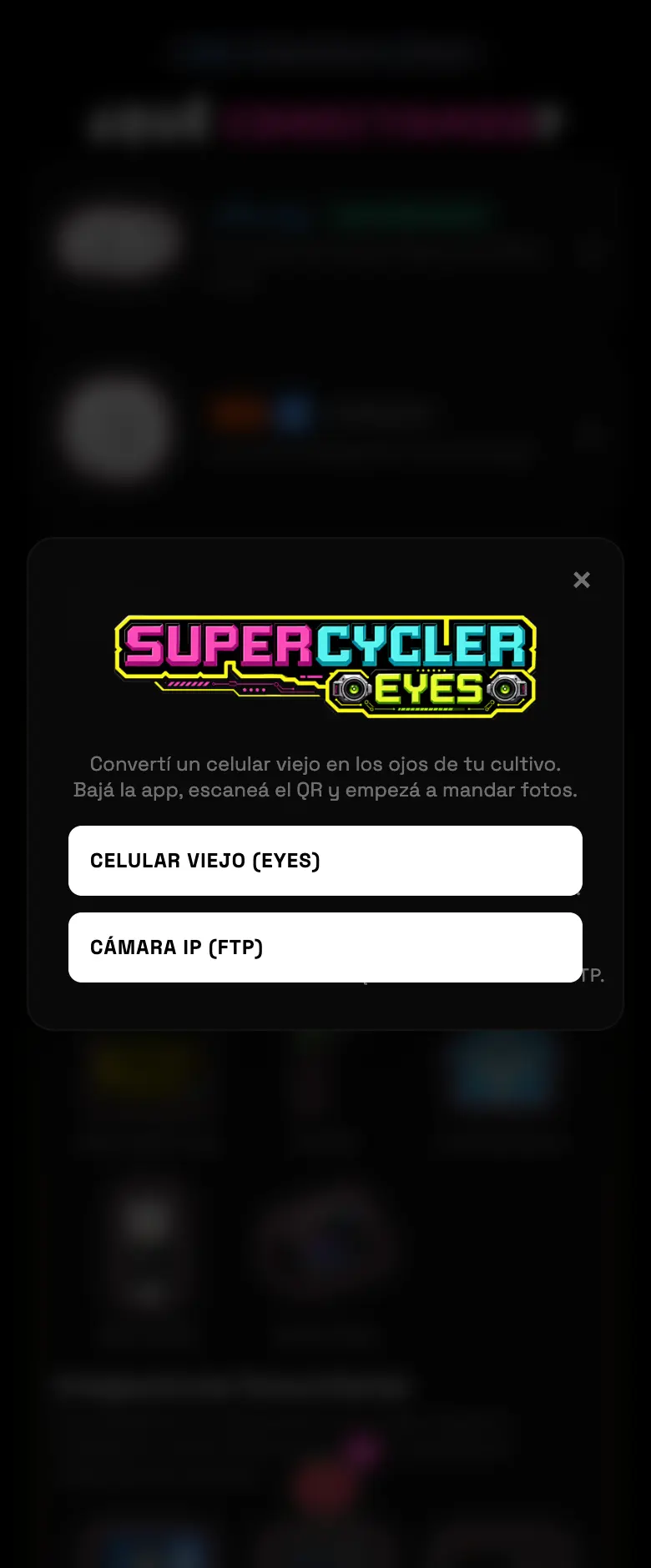
Turn an old phone into a grow camera, or hook up an IP camera over FTP. That's where the timelapse with the numbers on top, the plant count and the light-leak detection come from. One camera per zone: if you assign another one, the previous one is freed up.
- 01Pick Supercycler Eyes and choose the path: phone or IP camera.
- 02With a phone: download the Eyes app using the QR code on screen, give the camera a name, and scan the pairing QR code from the phone that's going to record.
- 03With an IP camera: the app generates an FTP username and password for you to load into the camera.
- 04Pick the zone and you're done: the AI EYES card shows up on the dashboard.
Do this
Leave the phone plugged into the charger with the screen off. It records anyway.
Avoid this
Don't assign a new camera to a zone that already has one unless you want to lose the previous one.
How urgent it is
EssentialNone of this is essential.
ImportantOne camera per tent if you want a timelapse.
OptionalLight-leak detection.