09 · TrolMaster ProADVANCED
TrolMaster Pro
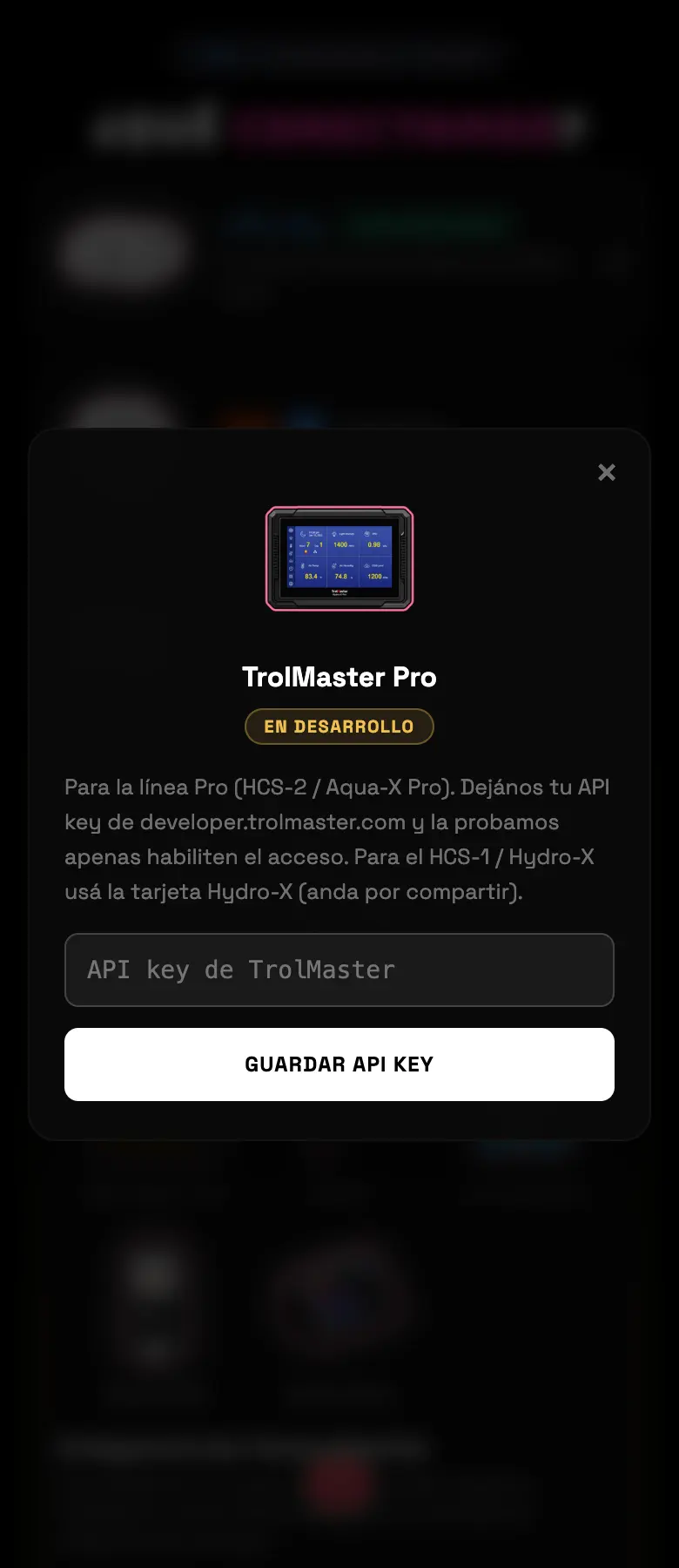
The Pro line — HCS-2, Aqua-X Pro. It's marked In development inside the app itself: today it saves your key and waits for TrolMaster to enable access. It doesn't add any device yet. If you have an HCS-1, a Hydro-X Plus, an NFS-1 or a Hydro-X, the path is the other card, the community one.
- 01Get your API key at developer.trolmaster.com.
- 02Pick TrolMaster Pro, paste it and save.
- 03It stays saved. When TrolMaster opens up access, it turns on by itself.
Do this
If you have an HCS-1, a Hydro-X or a Hydro-X Plus, skip this card and use the community one.
Avoid this
Don't expect to see devices after you enter the key: they don't come through yet.
How urgent it is
EssentialNone of this is essential.
ImportantUse the community card if you have a Hydro-X or a Hydro-X Plus.
OptionalLeave the key saved for when it gets enabled.