23 · VivoKeyADVANCED
VivoKey Spark 2 implant
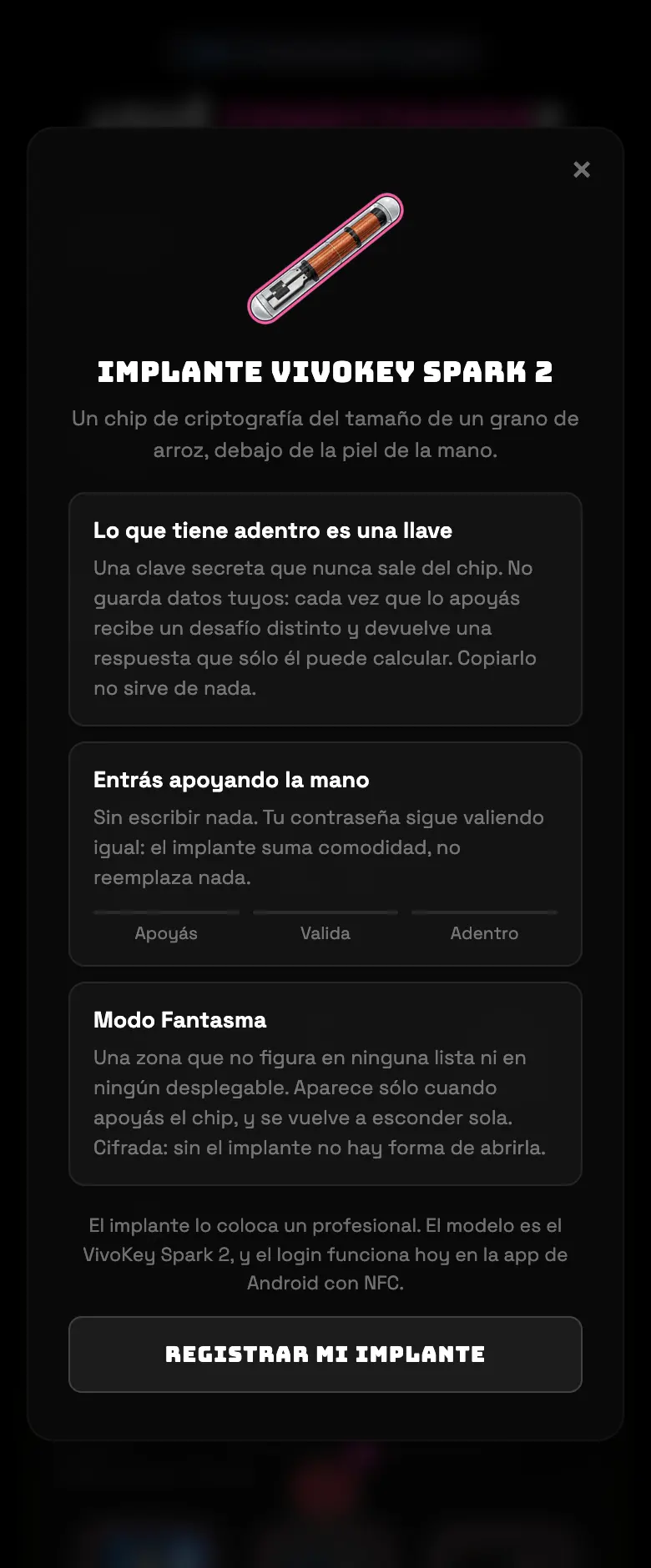
It isn't a piece of equipment in the tent: it's a way to log into the app by resting your hand on the phone. A chip the size of a grain of rice, under the skin, with a key that never leaves it. The card on the connection screen explains it; the setup is in the menu.
- 01From the app on Android with NFC, ☰ menu → Settings → My implant.
- 02Follow the setup by resting your hand on the phone's reader.
Do this
Use it as a convenient second factor, not as your only way in.
Avoid this
Don't rely on the implant alone: keep your password saved too.
How urgent it is
EssentialNone of this is essential.
ImportantYour password saved anyway.
OptionalThe implant.