19 · VIVOSUNINTERMEDIATE
VIVOSUN GrowHub E42A+
The community integration that lets you control the most: you adopt the environment sensor, the dimmable light output and the two variable-speed fans. It's the only brand on the whole list that controls a fan's speed today.
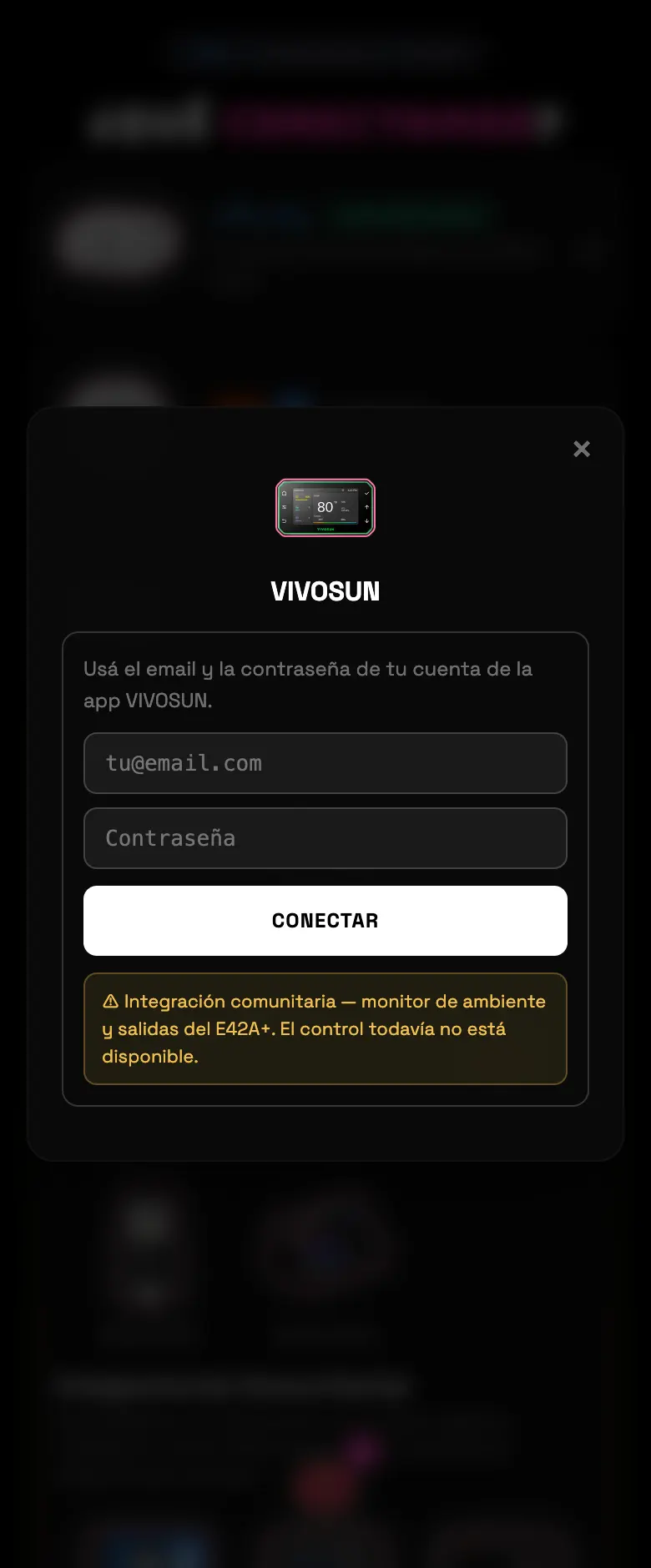
- 01Pick VIVOSUN and log in with the app's username and password.
- 02Adopt whatever you want separately: the environment probe, the light output, and each fan.
- 03Assign everything to the zone it belongs to.
Do this
Adopt both environment probes if you have them: they feed the zone's heat map.
Avoid this
Don't take it for granted that the fan is spinning just because the number says so.
How urgent it is
EssentialNone of this is essential.
ImportantThe light and the environment sensor adopted.
OptionalThe variable-speed fans.