16 · Mars HydroINTERMEDIATE
Mars Hydro / MarsPro
Lights and ventilation from the MarsPro app. They come in as Equipment in the zone and really do dim, with a ramp curve. It's one of the most complete community integrations.
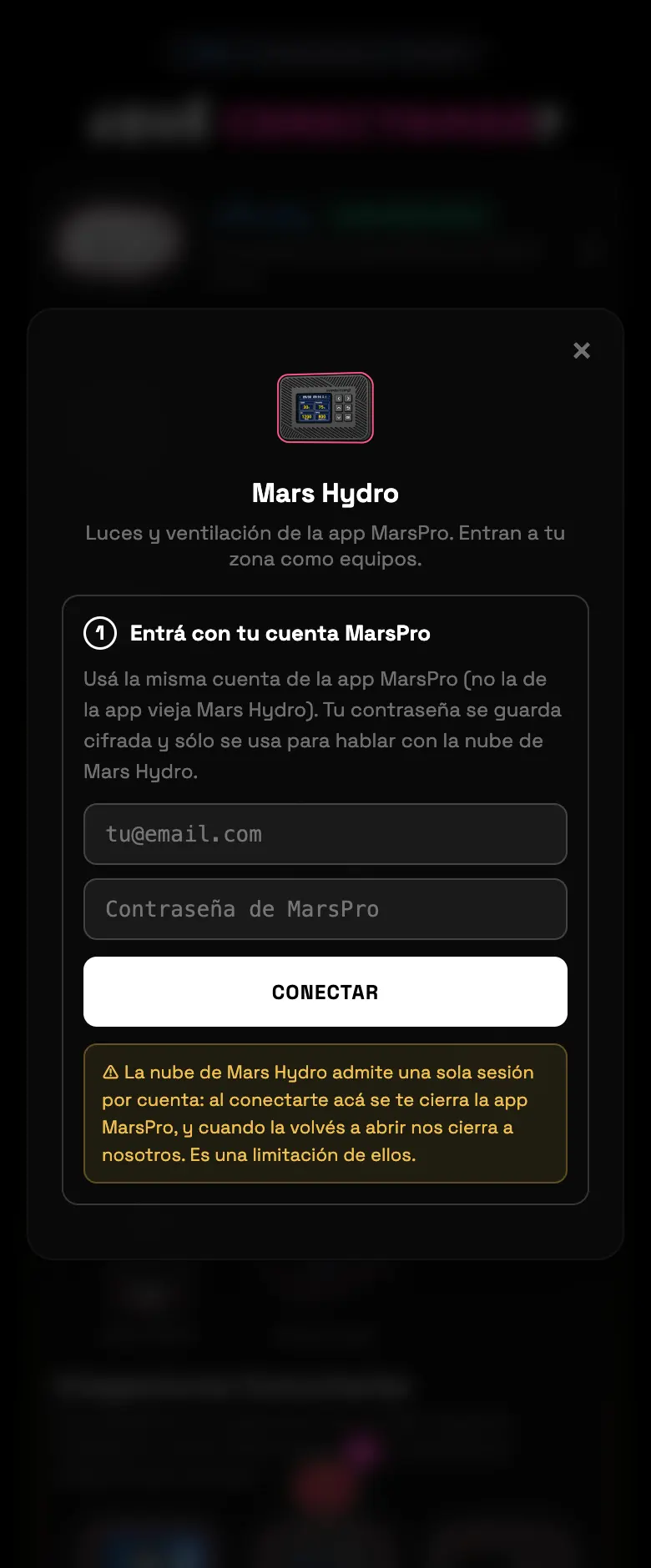
- 01Pick Mars Hydro and log in with your MarsPro username and password.
- 02The app syncs and shows you your equipment, one card per outlet.
- 03Assign each outlet to its zone and pick the role.
- 04Try the test pulse before you finish.
Do this
Delete any schedules you have loaded in MarsPro before you set the schedule here.
Avoid this
Don't leave the MarsPro app open on your phone while you're setting things up.
How urgent it is
EssentialNone of this is essential.
ImportantThe light assigned with its role.
OptionalThe ramp curve.